Disable Compare
Extension Installation
For Magento Marketplace Customers
-
Find the Composer name and version of the extension in the extension's composer.json file.
-
Login to your SSH and run:
- composer require mavenbird/magento-2-disable-compare
- Wait for Composer to finish updating your project dependencies and make sure there aren't any errors.
-
To verify that the extension installed properly, run the command:
- php bin/magento module:status Mavenbird_FrontendCancelOrder
- By default, the extension is probably disabled.
- Enable the extension and clear static view files:
- php bin/magento module:enable Mavenbird_DisableCompare --clear-static-content
- php bin/magento setup:upgrade
- For Magento version 2.0.x to 2.1.x - php bin/magento setup:static-content:deploy
- For Magento version 2.2.x & above - php bin/magento setup:static-content:deploy --f
- php bin/magento cache:flush
For Mavenbird Customers
- Extract the zip folder and upload our extension to the root of your Magento 2 directory via FTP.
- Login to your SSH and run below commands step by step:
- php bin/magento setup:upgrade
- For Magento version 2.0.x to 2.1.x - php bin/magento setup:static-content:deploy
- For Magento version 2.2.x & above - php bin/magento setup:static-content:deploy --force
- php bin/magento cache:flush
Configuration
- To configure the Disable Compare extension:
- Log in to the Magento Backend.
- Go to Stores > Configuration.
- Under the General tab, select Disable Compare.
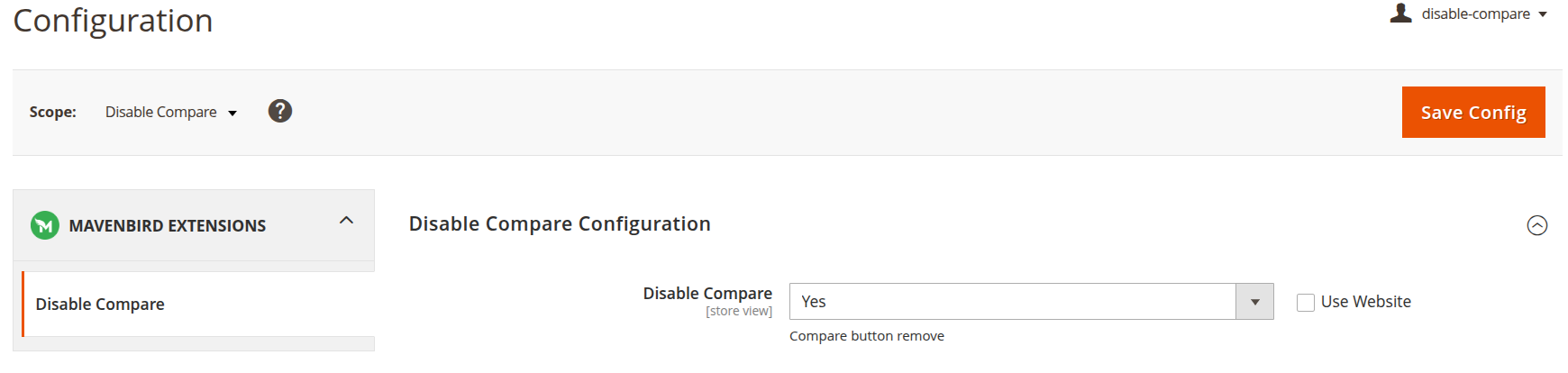
- Here, you can configure the following settings:
- Enable Disable Compare: Enable and Disable the Disable Compare extension.
Frontend Disable Compare
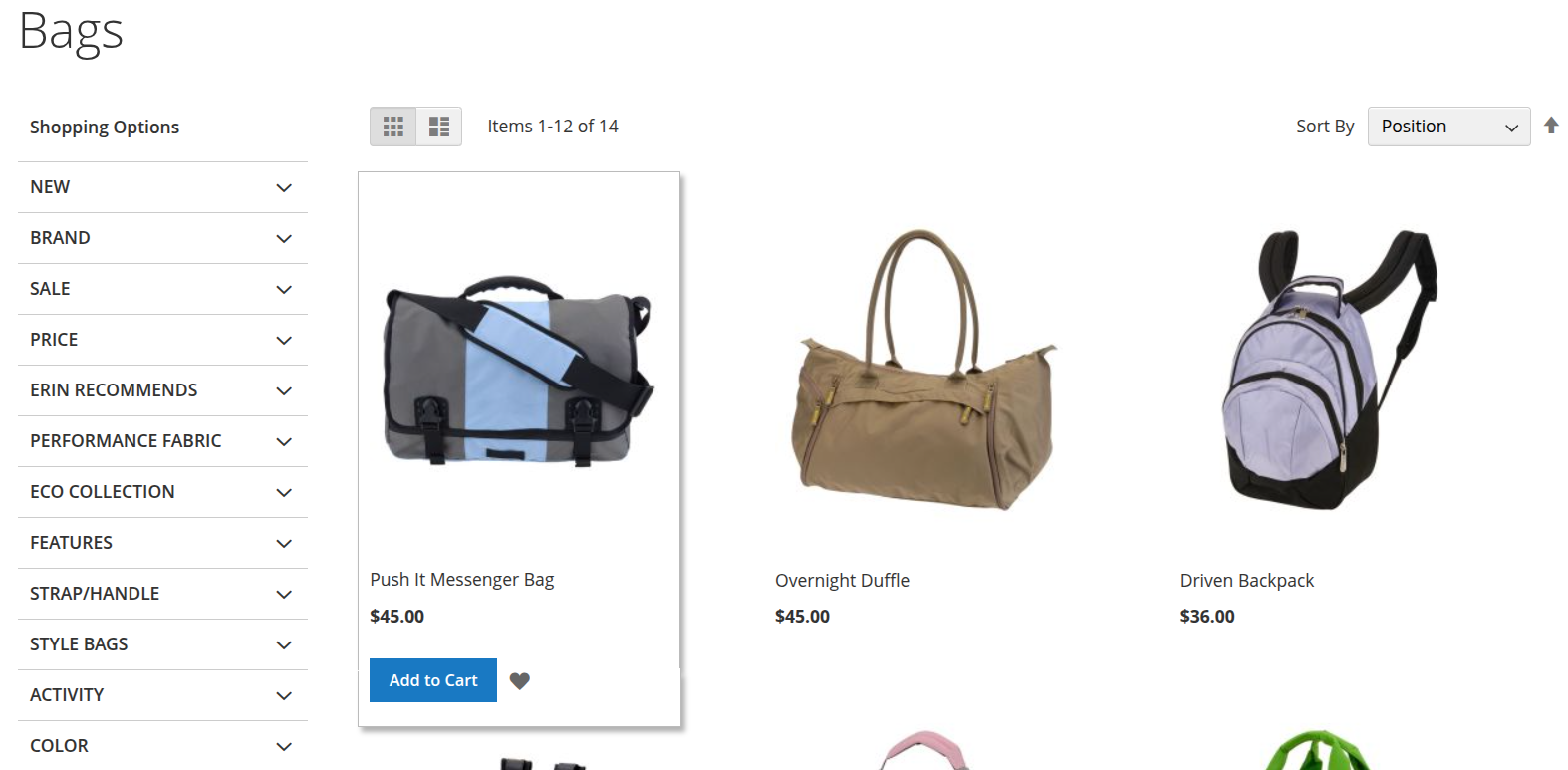
- Remove all product compare buttons from product and category pages.
- Disable compare links on search results and other listing pages.
- Prevent customers from adding products to the compare list.
- Ensure a consistent user experience across the entire storefront.
- Works without modifying Magento core files or templates.
- Easy to enable or disable directly from the admin panel.