📘
User Guide & Documentation
Step-by-step setup manual for Disable Compare
View →
Changelog v1.1.0 Compatible with Magento CE, EE · 2.3.x, 2.4.x

Disable Compare

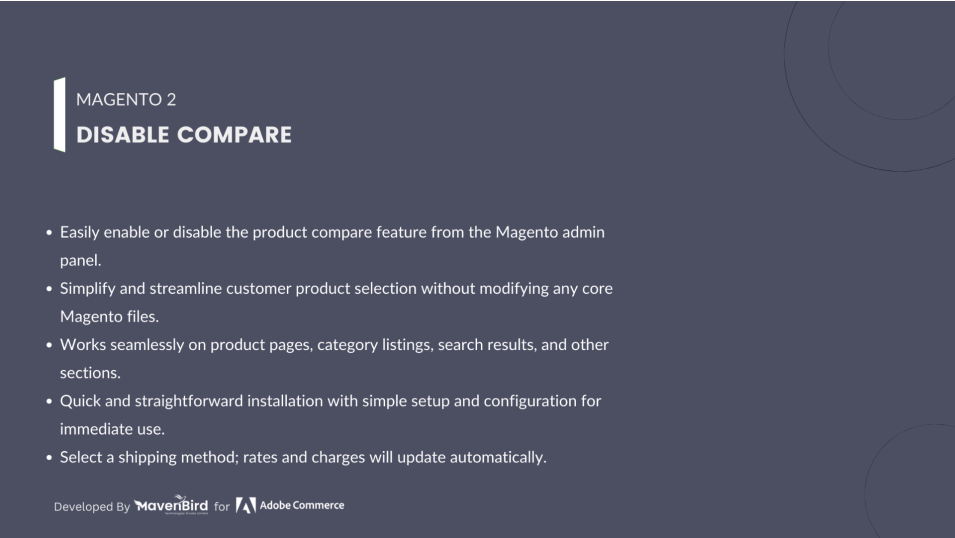
Disable Compare Simplify the shopping experience by removing product compare buttons and links across your store. Supports all pages, backend toggle, no core code interference, and faster customer purchase process.

Request a Quote

Hyvä Bronze Partner
Adobe Commerce
Secure Checkout

Highlighted Features

  • Disable Compare Sitewide

    Remove product compare buttons and links across your Magento 2 store easily without modifying core code.

  • Backend Configuration

    Enable or disable the compare functionality directly from the Magento admin panel.

  • Seamless User Experience

    Simplify product selection for customers and improve shopping experience.

  • No Code Interference

    Disable compare features without touching core files or templates, ensuring safe updates.

  • Works on All Pages

    Apply the disable feature on product pages, category pages, search results, and more.

  • Open Source

    Fully open-source extension, allowing you to inspect, customize, and enhance the code.

  • Quick Setup

    Simple installation and configuration make it easy to manage compare functionality.
Description

Disable Compare on All Pages

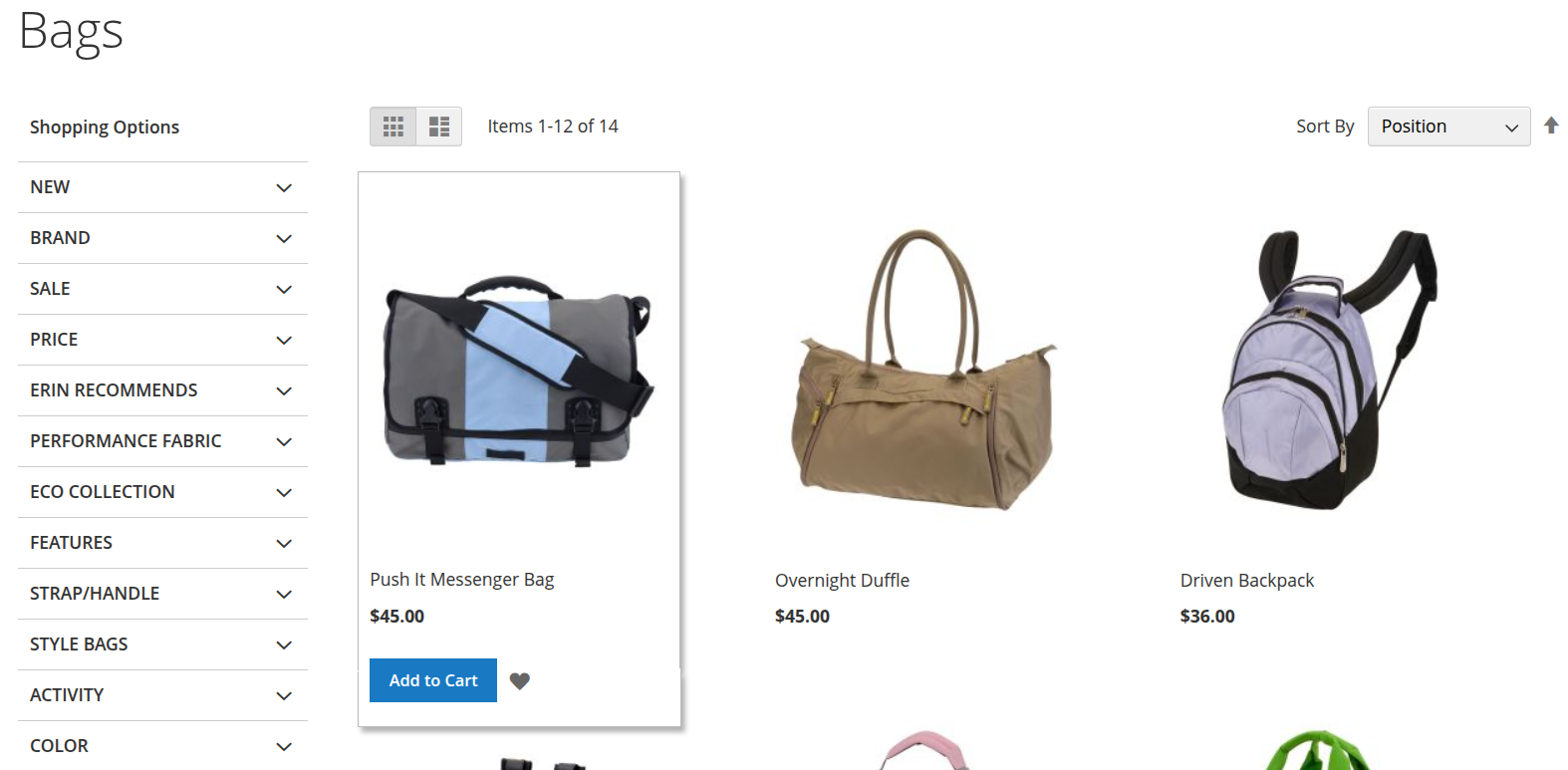
Admin can easily remove add-to-compare buttons and links on Product Pages, Category Pages, Search Result Pages, and Widgets with a single choice in the Magento 2 backend.
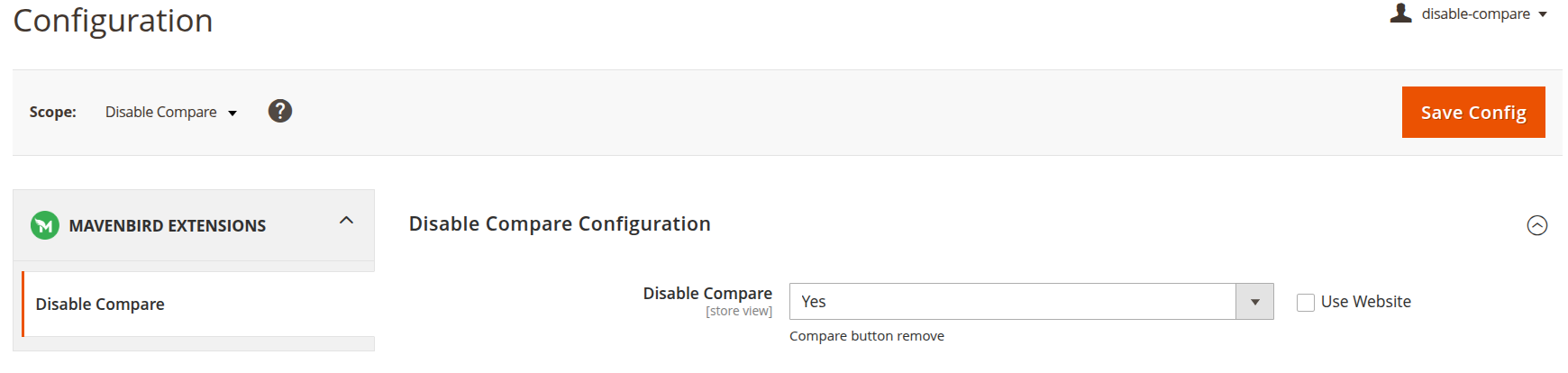
  • Enable "Yes" in Disable Compare config to remove all compare features.
  • Removes compare buttons in Related, Up-sell, Cross-sell products, and layered navigation links.
  • Works on all frontend pages including widgets.

No Core Interference & Improved Purchase Process

  • Removes compare functionality without rewriting Magento templates or core files.
  • Admin can toggle enable/disable anytime from the backend.
  • Streamlines the purchase process by letting customers add products directly to cart.
  • Reduces hesitation, improving conversion and shopping experience.
FAQs

Frequently Asked Questions

Navigate to Stores → Configuration → Mavenbird extensions → Disable Compare and select "Yes" to remove compare buttons across your store.
No, the extension works without modifying core files or templates, ensuring safe updates and compatibility.
Yes, you can re-enable the compare functionality anytime by switching the backend setting to "No".
Yes, it works on Product Pages, Category Pages, Search Result Pages, Widgets, Related, Up-sell, and Cross-sell products.
Yes, it is compatible with all Magento 2 themes and works without affecting other extensions.
   Ask a question
REVIEWS

Changelog

1.1.0 – December 30, 2025

  • Upgraded for compatibility with Magento 2.4.8-p3.
  • Compatible with PHP version 8.4.

1.0.7 – May 13, 2024

  • Compatible with Magento Version 2.4.7-p3.

1.0.0 – February 19, 2018

  • Release Initial Version.