

Efficient inventory management is vital for any retail business, ensuring smooth operations and high customer satisfaction. However, overseeing inventory across multiple sales channels, warehouses, and changing demand patterns can often feel overwhelming. Whether you're an experienced retailer or just starting with Shopify, mastering inventory management on Shopify can have a significant impact on your business success.
If you're unsure where to begin with managing your inventory on Shopify, this guide will provide you with expert advice and practical techniques to help streamline your stock management, reduce costs, and ensure timely delivery to your customers. We also highlight some essential features of Shopify's inventory management tools and offer tips on selecting the best solutions for your business needs.
Why Do I Need to Manage Inventory on Shopify?
At its core, inventory management involves coordinating the movement of stock throughout a business’s supply chain. It's a delicate balance between ensuring there are enough products to meet customer demand while avoiding the high costs associated with excess inventory. The primary objective of inventory management is to minimize costs and enhance operational efficiency. By effectively tracking your inventory, your Shopify store can optimize stock levels and gain valuable insights into overall business performance.
What is Shopify Inventory Management?
Shopify inventory management refers to the suite of tools and features available within the Shopify platform designed to help merchants monitor and control their inventory. Like other e-commerce platforms and inventory systems, Shopify enables you to track stock levels by SKU and individual product variants. It also allows you to categorize products by type, category, season, or sale, and provides the ability to efficiently scan items using barcodes.
Explore how Shopify’s advanced capabilities, such as per SKU tracking, barcode scanning, and product categorization, can simplify your inventory management process and help prevent overselling across all of your sales channels.
Shopify Multi-Location Inventory Management
Shopify Multi-Location Inventory is a feature launched in 2018 to help merchants manage their inventory across multiple locations, including physical stores, warehouses, and even dropshipping suppliers. This feature provides entrepreneurs with enhanced visibility into their stock levels and greater control over their business operations.
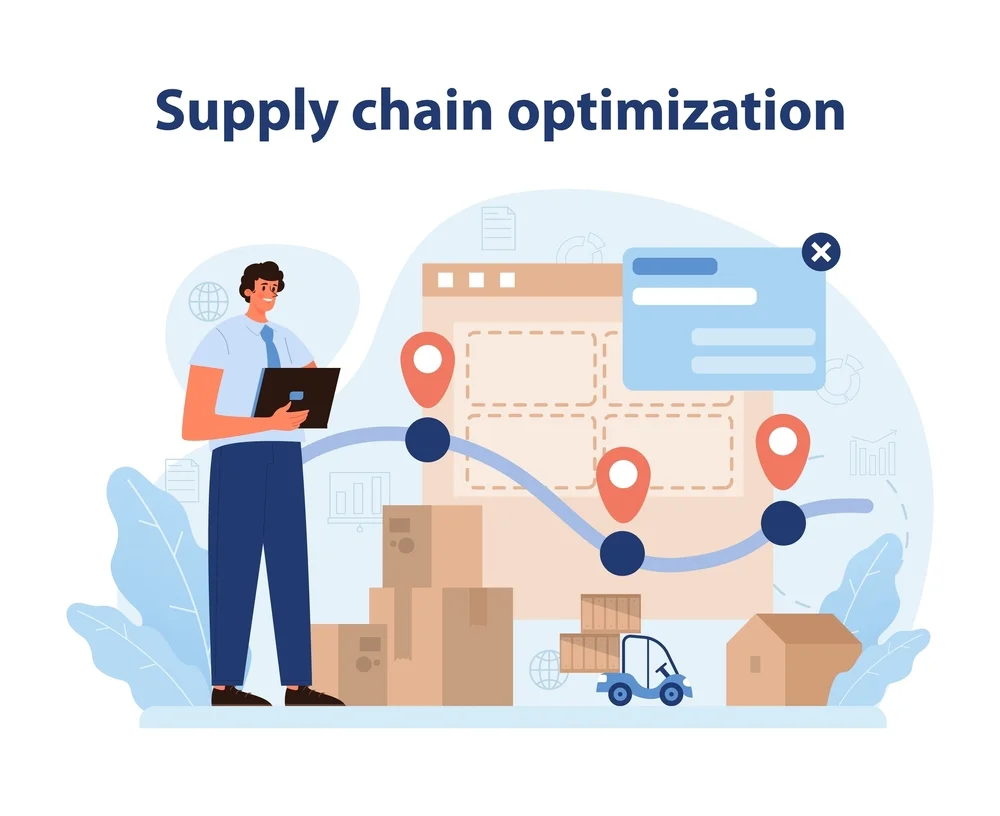
Some key aspects of this are the following:
- Efficiently manage inventory across multiple stores or warehouses.
- Track stock levels for each location in real-time.
- Automate inventory allocation to fulfill orders from the nearest stock, reducing shipping costs and delivery times.
- Seamlessly transfer inventory between locations with precise tracking and timely updates.
- Access detailed inventory reports to optimize your restocking process.
- Integrate with Shopify POS to maintain consistent inventory across both online and in-store sales.
Overall, Shopify Multi-Location Inventory Management enables sellers to streamline inventory logistics, accelerate order fulfillment, and improve customer satisfaction by ensuring products are available at the right time and place.
If you're curious about how many locations Shopify can manage, the answer depends on your Shopify plan. Currently, the limitations on the number of locations for Shopify’s multi-location inventory are as follows:
- Shopify Lite: Up to 3 locations.
- Basic Shopify: Up to 4 locations.
- Shopify: Up to 5 locations.
- Advanced Shopify: Up to 8 locations.
- Shopify Plus: Up to 20 locations (you can contact Shopify support for more than 20 locations).
Additionally, if you use third-party apps that manage physical inventory for you, each of these will also be counted as a separate location.
Shopify Inventory Management Software Key Features
Shopify inventory management software can be a game-changer for e-commerce businesses by streamlining and optimizing the way inventory is handled. Selecting reliable software for your store is key to maintaining both efficiency and accuracy. Below are some essential features of Shopify's inventory management system that make it a vital tool for effective inventory control.
1. Comprehensive Multichannel Inventory Management
Real-time inventory tracking across all sales channels is vital for the success of your e-commerce business. It ensures you avoid overselling on various platforms or in physical stores. The system should provide instant updates on inventory levels and product availability across every platform you sell on, helping you maintain the right stock levels to meet demand effectively.
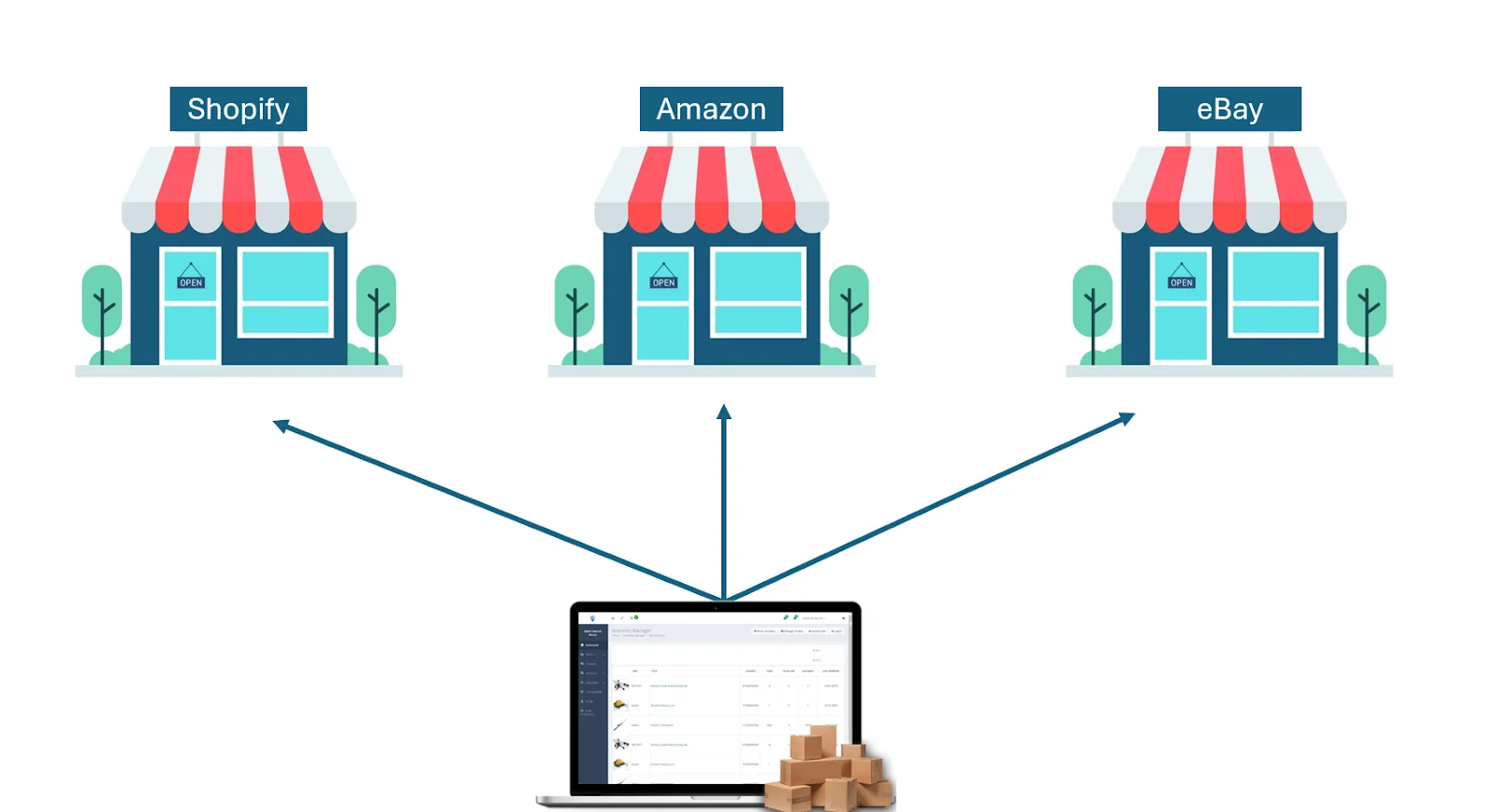
Your chosen software should integrate smoothly with Shopify and other platforms such as Amazon, eBay, and more. It should automatically update inventory levels after every sale, transfer, return, or restock, eliminating the need for error-prone spreadsheets and providing you with a clear overview of your stock. This ensures accurate product availability across all channels, reducing the risk of out-of-stock situations and enhancing customer satisfaction.
Additionally, consider features like low-stock alerts, sales forecasting, and detailed reporting to further optimize your inventory management and drive greater e-commerce success.
2. Multi-location Inventory Management and Built-in WMS
Managing inventory across warehouses, online stores, pop-up shops, and physical locations can quickly become overwhelming. Keeping track of what you have, where it's located, and what’s ready to sell can be a major hassle. That’s why your chosen solution should include multi-location inventory management with an integrated Warehouse Management System (WMS).
Think of multi-location inventory management as a central hub for all your stock information. It provides a real-time, comprehensive view of your inventory, no matter where it's stored. This helps you avoid overselling and ensures customers receive what they ordered, keeping them satisfied and loyal.
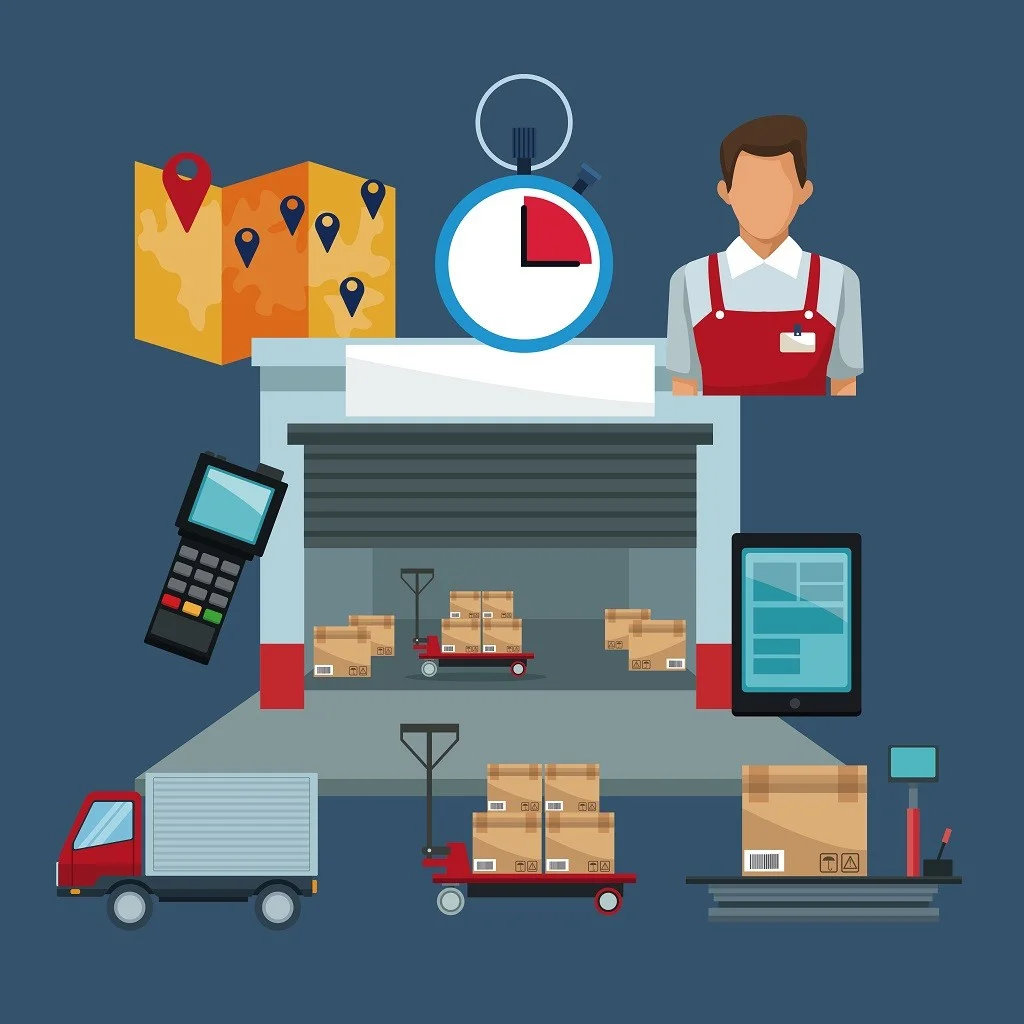
Additionally, an integrated Warehouse Management System (WMS) serves as a powerful tool for your warehouse team. Features like distinct inventory counts for different areas and barcode scanning streamline tasks, making them quicker and less error-prone. Automatic warehouse routing further optimizes the process by allowing you to select which warehouse will fulfill each order based on factors like the customer's location and available stock. When your business excels at multi-warehouse management, you can enhance customer satisfaction while maximizing profitability.
3. Bundle and Variant Support
While Shopify doesn’t directly support bundles, your inventory management system should fill this gap. Choose a solution that links a product bundle on your website to individual Shopify items, allowing you to sell the bundle while keeping track of each product’s inventory separately in your backend.
A robust Shopify inventory management system should allow you to easily track variations like sizes, colors, and other options, while also grouping products together and managing these variations in a way that suits your business needs.
4. Inventory Demand Planning
Integrated with your Shopify inventory management system, the demand planning feature can become a powerful tool for analyzing your inventory performance across Shopify stores and other sales channels. This feature examines historical sales data to predict future demand, taking into account factors like seasonality and current trends across all your sales platforms.

Say goodbye to stockouts and hello to data-driven decision-making. This proactive approach ensures you always have the right inventory in stock, maximizes profits, and keeps your customers satisfied. With demand planning, you can shift your inventory management from reactive to proactive, unlocking the full potential of your business.
5. Integrated Accounting and Landed Cost Functionality
See your money flow and watch it grow. When you have a clear understanding of your income and expenses, you can identify trends, make quicker, smarter decisions, and keep your business running smoothly. That’s why integrated accounting is essential.

To truly understand your profits, it’s important to account for "landed costs" — the additional expenses incurred to get your products from the warehouse to your customers. These include shipping, insurance, taxes, and other hidden costs. Integrated accounting helps track these landed costs, allowing you to price your products accurately and maintain profitability.
With a clear view of your income and expenses, you can make informed decisions that drive business growth and ensure customer satisfaction.
6. Powerful API for High-Volume Trading Days
High-volume sales days, such as flash sales and peak seasons, can place significant pressure on your inventory management system. When choosing a solution, it’s crucial to consider its ability to scale and handle surges in orders. A robust system with seamless Shopify API integration can process large volumes of sales data in real-time, ensuring accurate inventory updates and smooth order fulfillment, even during your busiest periods.
This allows you to take full advantage of these sales opportunities without worrying about system overload or errors. Look for a solution that offers strong API integration and scalability, ensuring your business operates efficiently no matter the demand.
7. Hassle-free Returns Management
Studies show that 89% of customers are more likely to return to a store that offers a free returns experience. This highlights the importance of offering hassle-free returns and optimizing your returns management process. By doing so, you can build stronger customer loyalty and encourage repeat purchases.

It’s essential to choose a Shopify inventory management system that integrates smoothly with your returns process. This integration automatically links sales credits to online returns, streamlining both accounting and inventory updates. With this approach, you can ensure quicker refunds, accurate inventory tracking, and save valuable time and resources.
By prioritizing a seamless returns experience, you can turn returns into repeat customers, boosting satisfaction and loyalty.
How to Choose the Right Shopify Inventory Management Software
Inventory management software is like finding the perfect pair of shoes for your business – it needs to fit your specific needs and support you every step of the way. Let’s check out aspects you need to consider when choosing a Shopify inventory management system!
1. Know Your Budget
While cost is an important factor, keep in mind that a good system is an investment. The right software can save you money in the long term by increasing efficiency, reducing errors, and helping you maintain optimal inventory levels.

Consider cloud-based solutions with monthly subscriptions to avoid large upfront hardware costs. These systems also allow you to scale easily as your business grows.
Focus on value for your business—does the software’s functionality justify the price? Don’t just opt for the cheapest option. Evaluate the features you need and how they’ll benefit your operations. A slightly more expensive system may offer features that save you time and resources in the long term.
2. Essential Features
Not all software is created equal, which is why it’s important to identify the key features that are essential for your business’s success. Consider the following features when choosing the right inventory management software for your needs:
- A comprehensive system that can track your stock across all selling platforms (Shopify, online marketplaces, etc.) and warehouses. This ensures you never sell products you don’t have, no matter where the order originates.
- A solution that can forecast demand by analyzing data to predict how much of each product you’ll need in the future. This proactive approach helps you avoid stockouts of popular items and enables you to purchase the right amount of stock upfront.
- A system that can manage different product variations, such as sizes, colors, and styles. It should also allow you to handle bundled items as a single unit while maintaining accurate inventory control for each component.
Bonus Points:
- Look for software that includes built-in accounting or customer management features for a more comprehensive view of your business.
- Ensure strong customer support and robust security features to keep your data safe and protected.
3. Size of the Business

Another important consideration is the scale of your business:
- Team Size: Will you have a small team or a larger crew using the system? Choose a pricing plan that suits your needs, whether it’s based on the number of users or offers unlimited access as your team expands.
- Inventory Complexity: Do you have a simple product line or one with many variations and multiple warehouses? Select a system with features that match your needs, such as multi-warehouse management for more complex operations.
- Room to Grow: Don’t settle for a system that won’t scale with your business. Opt for software that can grow with you, handling increased sales, more products, and additional users. Look for solutions that automate repetitive tasks like order fulfillment and inventory updates, so your team can focus on more strategic tasks.
4. Required integrations
Your inventory software should integrate smoothly with Shopify. For example, when a customer makes a purchase, the inventory levels in your management system should update automatically. This ensures your stock levels are always accurate across all sales channels, preventing overselling. Look for software that works well with other essential tools you use, such as shipping providers, accounting software, third-party logistics (3PL) companies, and even point-of-sale systems if you have a physical store. Centralizing all your data in one place simplifies management and improves efficiency.
5. Facing Your Challenges
Inventory management can be tricky, with things like supply chain issues, seasonal changes in demand, and ever-evolving customer trends. Your ideal software should be your partner in overcoming these challenges.

- Identify the specific challenges you face and your overall goals. Do you want to reduce storage costs, streamline your warehouse operations, or improve your ability to predict demand?
- Look for software with features that address your specific needs. This could include automation for repetitive tasks, better inventory visibility for smarter decisions, and business intelligence tools that give you valuable insights to optimize your operations.
By following these steps and considering your unique needs, you'll be well on your way to finding the perfect Shopify inventory management system – the one that complements your business perfectly and helps you navigate the ever-changing world of e-commerce to achieve long-term success.
What Are The Best Shopify Inventory Management Apps in 2024?
Shopify offers a robust app store to extend the functionality of your store. Here are some of the best inventory management apps for Shopify in 2024:
1. Prediko’s AI Inventory Management App
This app uses artificial intelligence to forecast demand and optimize inventory levels. It can help you avoid stockouts and reduce carrying costs.
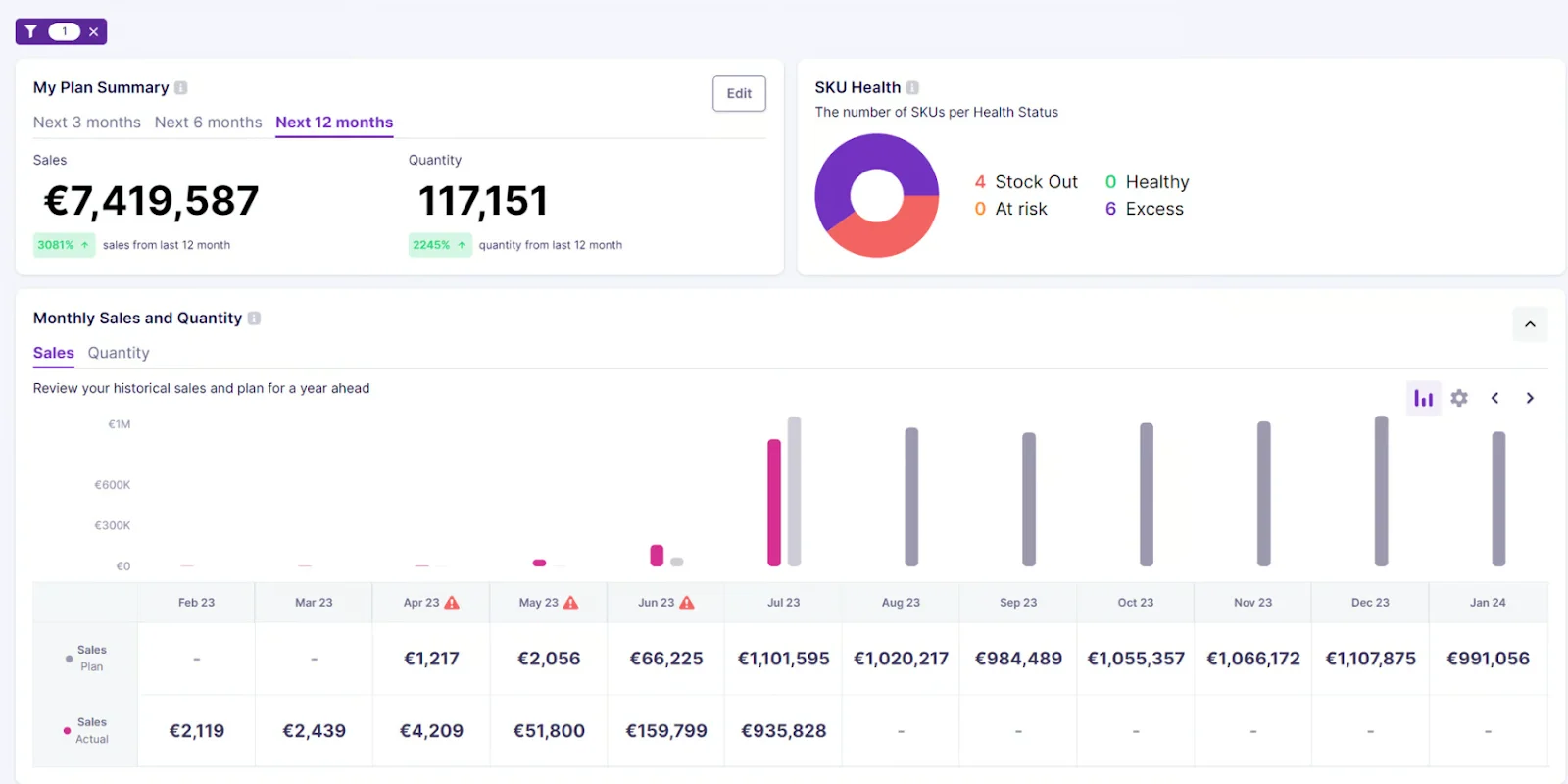
Key Features:
- Utilizes AI to predict demand and recommend optimal reorder points
- Prevents both stockouts and excess inventory
- Offers valuable insights into inventory performance and trends
- Seamlessly integrates with various sales channels
2. SKULabs
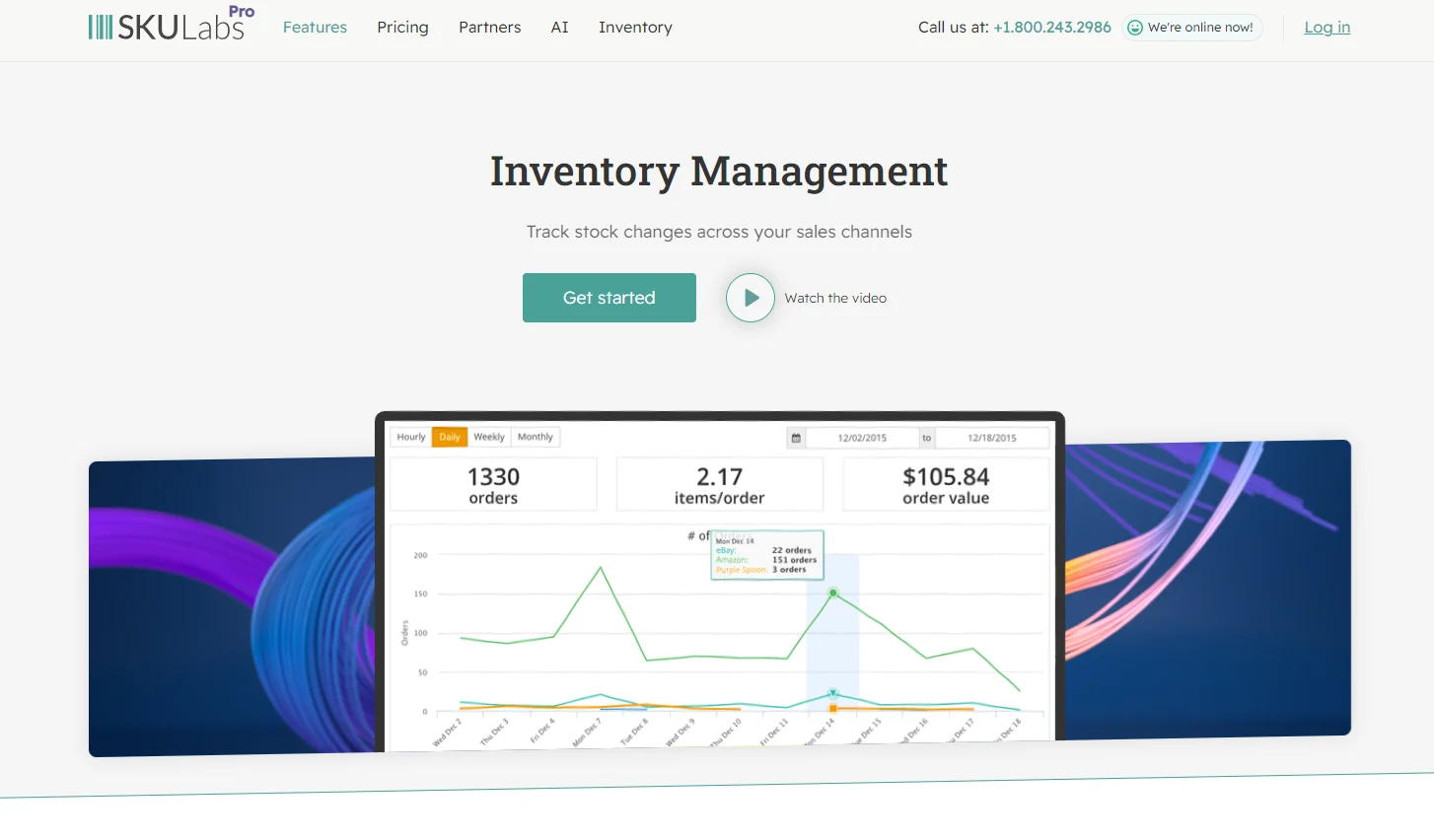
This comprehensive inventory management system offers real-time tracking, order fulfillment, and warehouse management. It’s ideal for businesses that operate across multiple sales channels and require advanced inventory solutions.
Key Features:
- Real-time tracking of inventory across various locations
- Automation of order fulfillment processes
- Comprehensive warehouse management tools
- Support for sales across multiple channels
3. Thrive by Shopventory
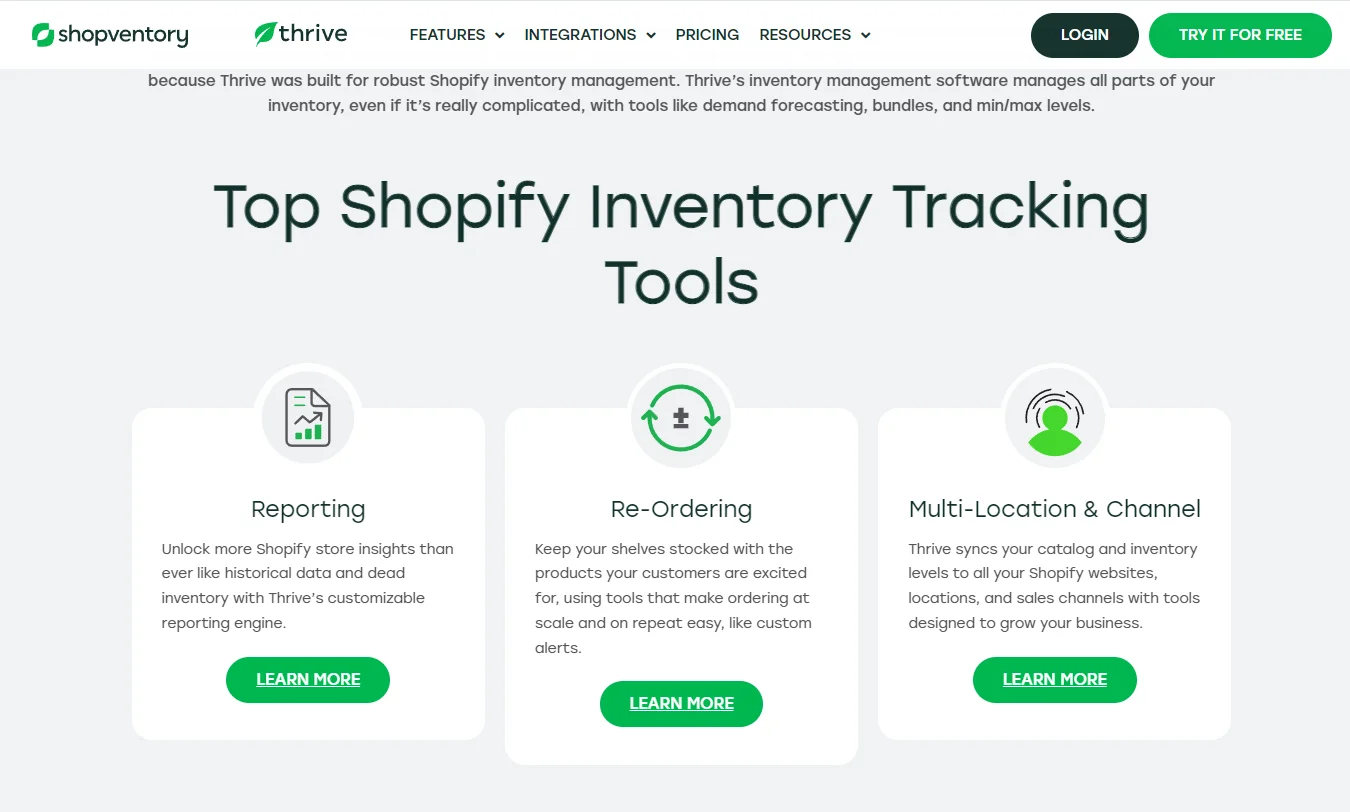
This app is a good option for businesses that manage multiple storefronts and need real-time inventory data across all locations. It can also help you simplify purchase orders and monitor sales performance.
Key Features:
- Real-time inventory tracking across various locations
- Automatic generation of purchase orders
- Tracking of sales performance and trends
- Kitting functionality for creating product bundles
4. Stocky
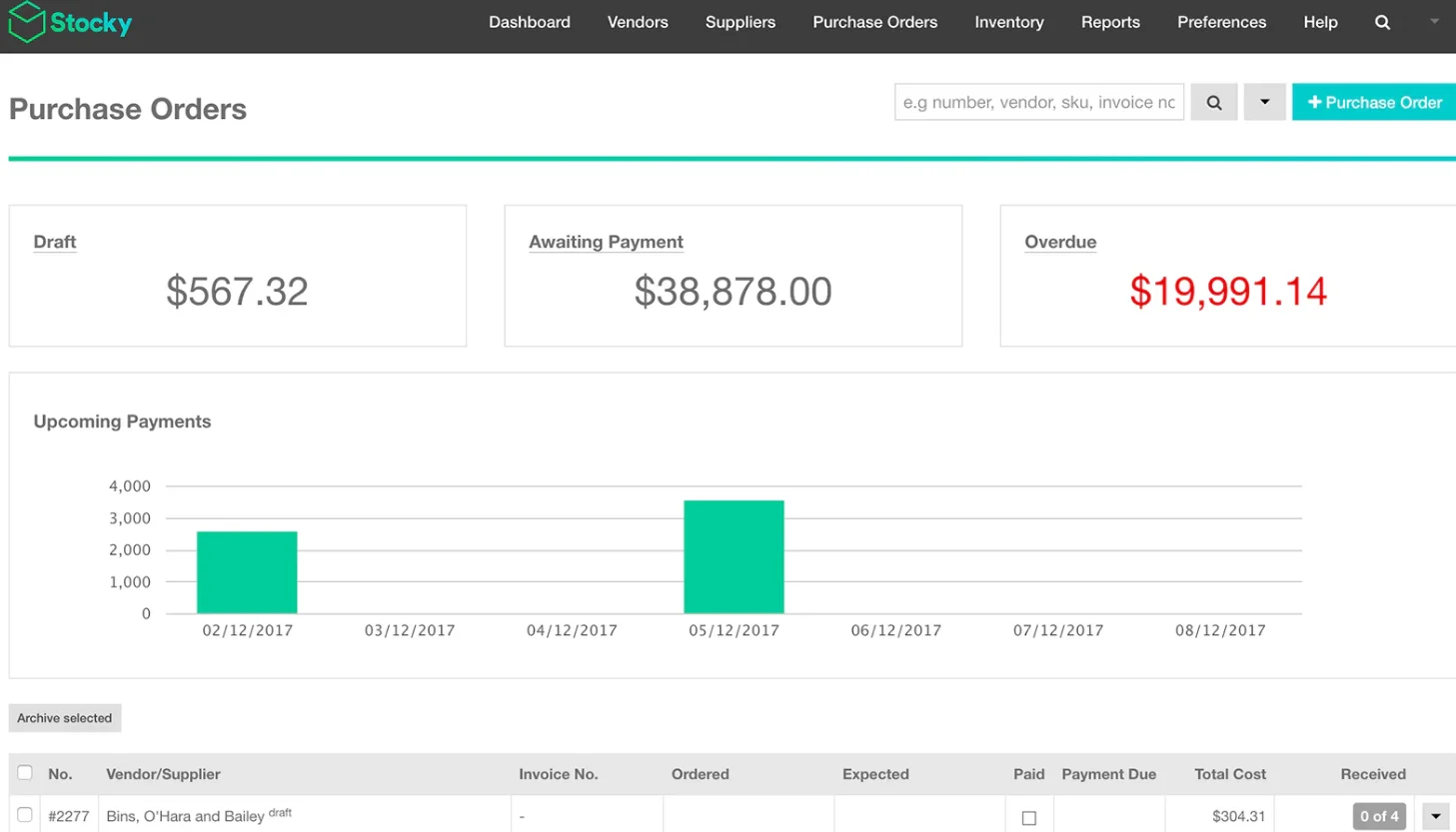
This free app offers essential inventory management features, including stock tracking, low-stock alerts, and purchase order generation. It’s an ideal choice for small businesses just getting started with inventory management.
Key Features:
- Free access to essential inventory management features
- Real-time stock tracking
- Low-stock alerts to prevent shortages
- Automated purchase order generation
5. Inventory Planner
This app uses sales history, seasonality, and other factors to forecast demand and optimize inventory levels. It helps you avoid stockouts and minimize carrying costs, ensuring more efficient inventory management.

Key Features:
- Demand forecasting to predict future inventory needs
- Inventory optimization based on sales history, seasonality, and other variables
- Helps prevent stockouts and reduce inventory carrying costs
- Seamless integration with multiple sales channels
These are just a few of the many inventory management apps available on the Shopify App Store. The best app for your business will depend on your unique needs and budget. When choosing an app, consider factors like the number of sales channels you use, the complexity of your inventory, and your available budget.
To Sum Up
Shopify offers a built-in inventory management system that’s ideal for small businesses just getting started. However, as your business grows, you may need more advanced features to manage inventory across multiple sales channels.
Fortunately, Shopify integrates seamlessly with a variety of inventory management apps that cater to more complex needs. These apps provide functionalities such as multi-location inventory management, demand forecasting, and real-time stock updates, giving you the tools to efficiently manage your inventory on Shopify.
By evaluating your specific needs and budget, you can choose the right solution to streamline your operations and boost profitability.