

In recent years, the automation of Shopify subscriptions has become increasingly popular among ecommerce businesses, and it’s easy to see why. Automation makes many aspects of the subscription process simpler, eliminating the need for manual handling.
Subscriptions deliver benefits like steady recurring revenue, improved customer lifetime value, and better inventory management. Additionally, automation enhances business operations, enabling stores to process orders and renewals both efficiently and reliably.
Therefore, automating Shopify subscriptions offers considerable advantages for both business owners and their subscribers.
In this blog post, we’ll demonstrate how to automate additional workflows on Shopify to boost revenue from subscriptions.
How automation can help grow subscriptions
Automating Shopify subscriptions is a powerful way to grow your business. It enables store owners to attract new customers by offering convenient subscription options and fostering repeat purchases.
At its core, automation helps businesses in two ways:
Increases efficiency
Automation can help businesses streamline processes and reduce manual tasks, allowing employees to focus on higher-value activities and improving overall efficiency.
Enhances scalability
By automating tasks like order status notifications and low stock alerts, businesses can effectively manage rising demand without incurring significant overhead costs or needing to hire additional staff.
Furthermore, automating Shopify subscriptions allows store owners to gain better visibility into their inventory, providing a clear picture of the number of products expected to be sold each month. This means that automation not only streamlines the subscription process for customers but also helps businesses boost revenue and expand their customer base over time.
Automating subscription order management processes
With effective automated subscription order management, you can save time and costs, improve accuracy, ensure scalability, and enjoy the right level of customization and flexibility, all while enhancing the overall customer experience.
By tracking customer purchases, businesses can gain insights into usage patterns and better understand their customers’ needs. To ensure timely deliveries, it’s crucial to automate order fulfillment processes and keep customers updated on their order status and delivery through automated emails or texts.
Simplifying processes for returns, refunds, and cancellations allows customers to easily manage their subscriptions when needed. Additionally, reporting on customer purchases enables businesses to track order frequency and make informed decisions regarding product offerings and pricing.
Automation can greatly improve customer retention by providing numerous benefits, including predictable revenue from recurring purchases, cost savings compared to acquiring new customers, increased customer lifetime value, and enhanced brand loyalty. Furthermore, continuous feedback and data collection can lead to improved customer satisfaction and retention rates over time.
How to set up subscriptions on Shopify
With the right setup, you can develop a successful subscription product that encourages customer loyalty.
First, select the appropriate subscription app. To process subscription orders, you must use a third-party app since Shopify treats subscription products like one-time purchases. However, in the admin panel, subscription orders are managed differently, allowing you to see order frequency and related products for each subscription.
Next, create distinct subscription products. To streamline inventory tracking, it’s advisable to have separate listings for one-time purchases and subscriptions. Regardless of how the app displays the product to customers, this separation makes reporting and forecasting inventory needs much clearer. On the product admin page, be sure to check the option for “Sell product as a subscription only.”
Set up a discount code for your subscription products. A popular strategy to boost subscriptions is to offer discounts on these items. You can create or modify a discount in the admin by specifying whether it applies to subscriptions or one-time purchases.
Ensure that you have the right payment gateway configured. Subscriptions can only be processed using Shopify Payments, PayPal Express, Authorize.net, or Stripe.
Finally, it’s advisable to review Shopify’s documentation on subscriptions. They have specific rules regarding what is permitted during checkout, so understanding these limitations before selecting a subscription app is crucial.
Integrating Shopify subscription apps
After selecting the ideal subscription app for your business, the next step is to set up and launch your subscription products. This includes creating a product page, establishing payment plans and discounts, and configuring automated billing.
Here are several factors to keep in mind when choosing a subscription app:
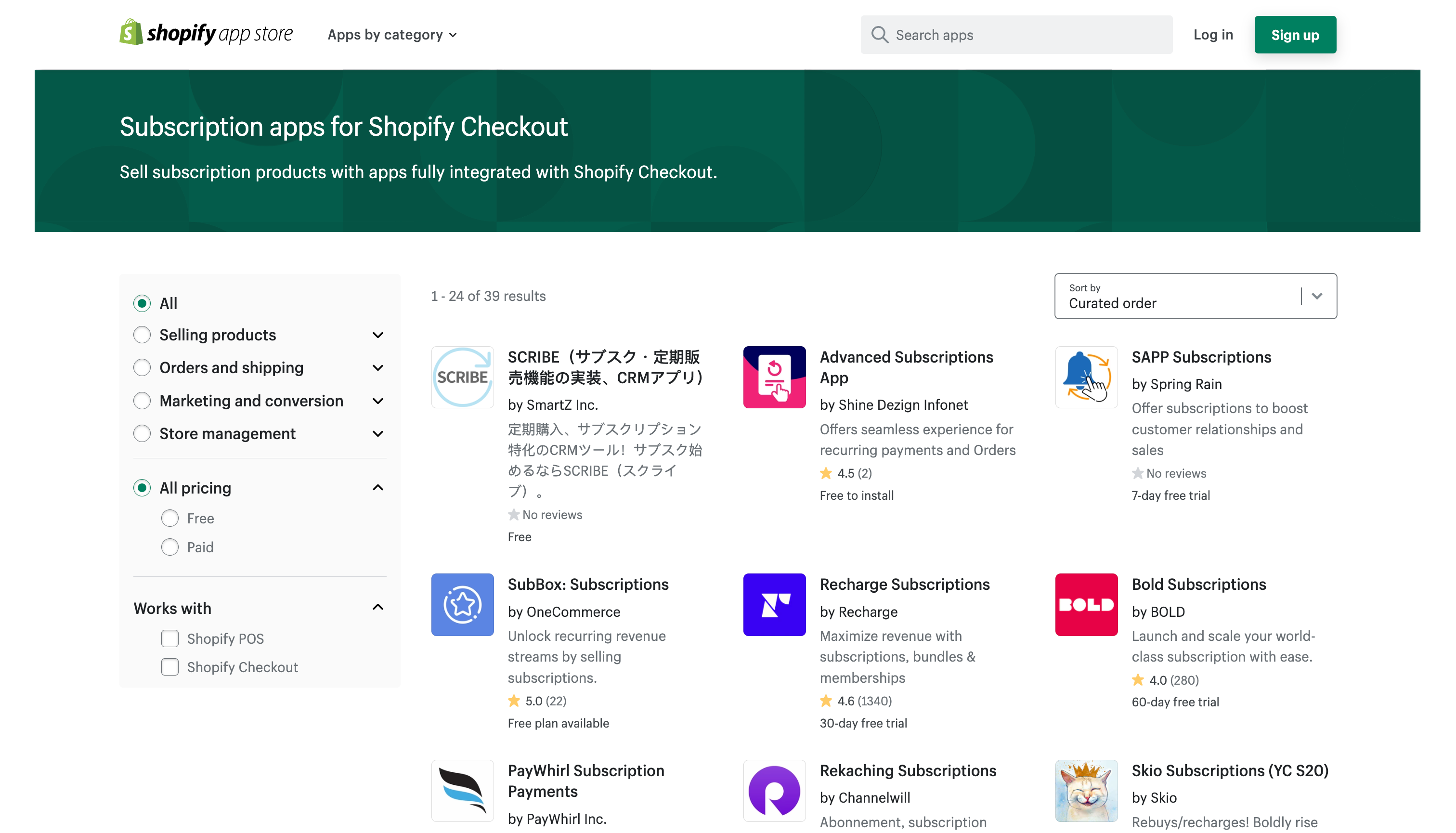
Selecting the right subscription product is crucial, as it’s important to determine which option best aligns with your business and its needs.
Here are some of the popular Shopify subscription apps:
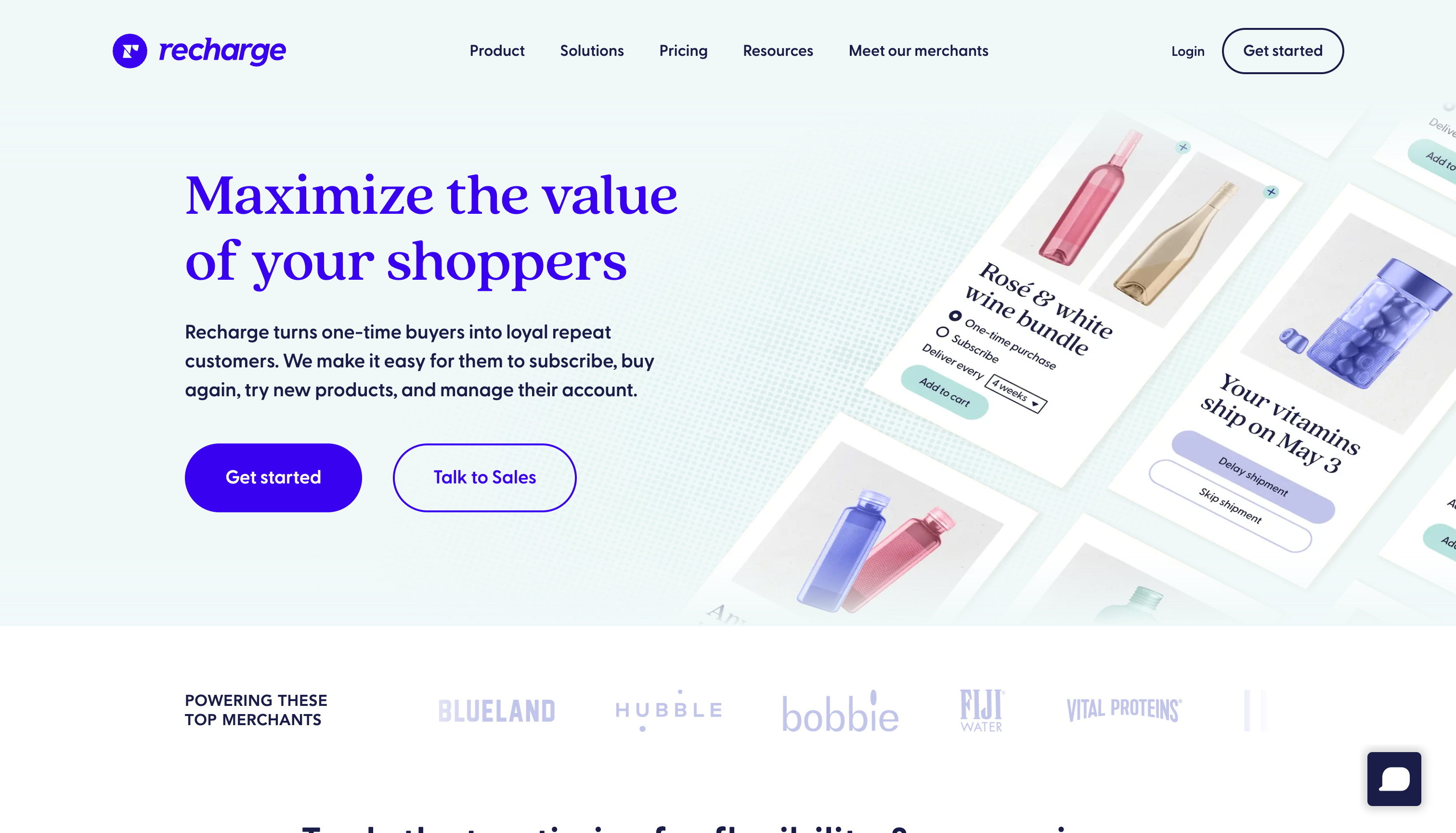
Recharge Subscriptions: This app is excellent for automating subscription-based businesses. It offers robust analytics and reporting features, along with customizable pricing plans. It's particularly well-suited for businesses that operate solely on subscriptions.

Bold Subscriptions: This app features automated billing and payment integrations, along with customizable plan options. It’s a great choice for businesses that handle both subscriptions and one-time orders.
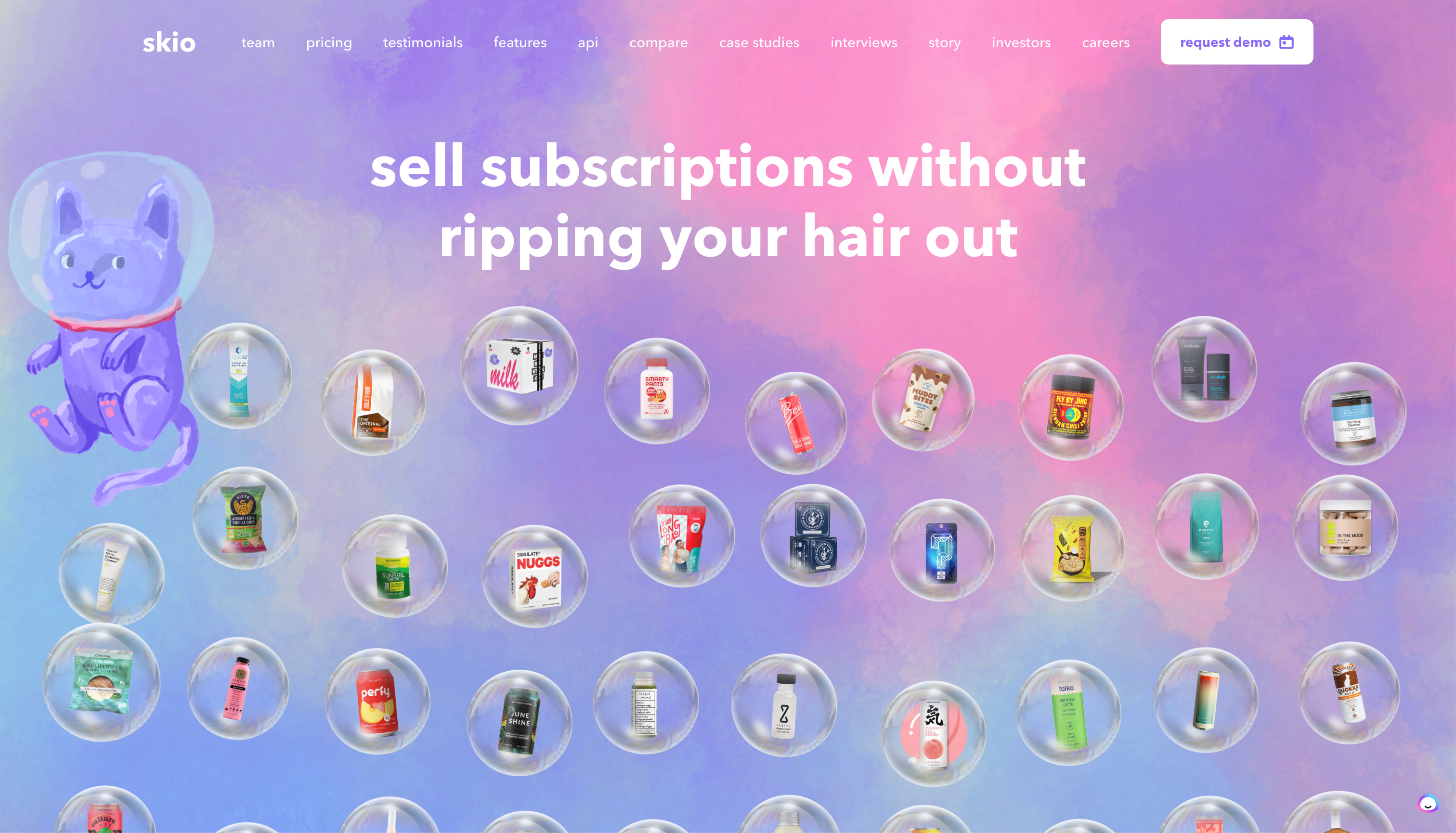
Skio Subscriptions: This app boasts an easy-to-use interface and offers step-by-step guides for setting up subscriptions and loyalty programs. It’s an excellent choice if you’re transitioning from Recharge.
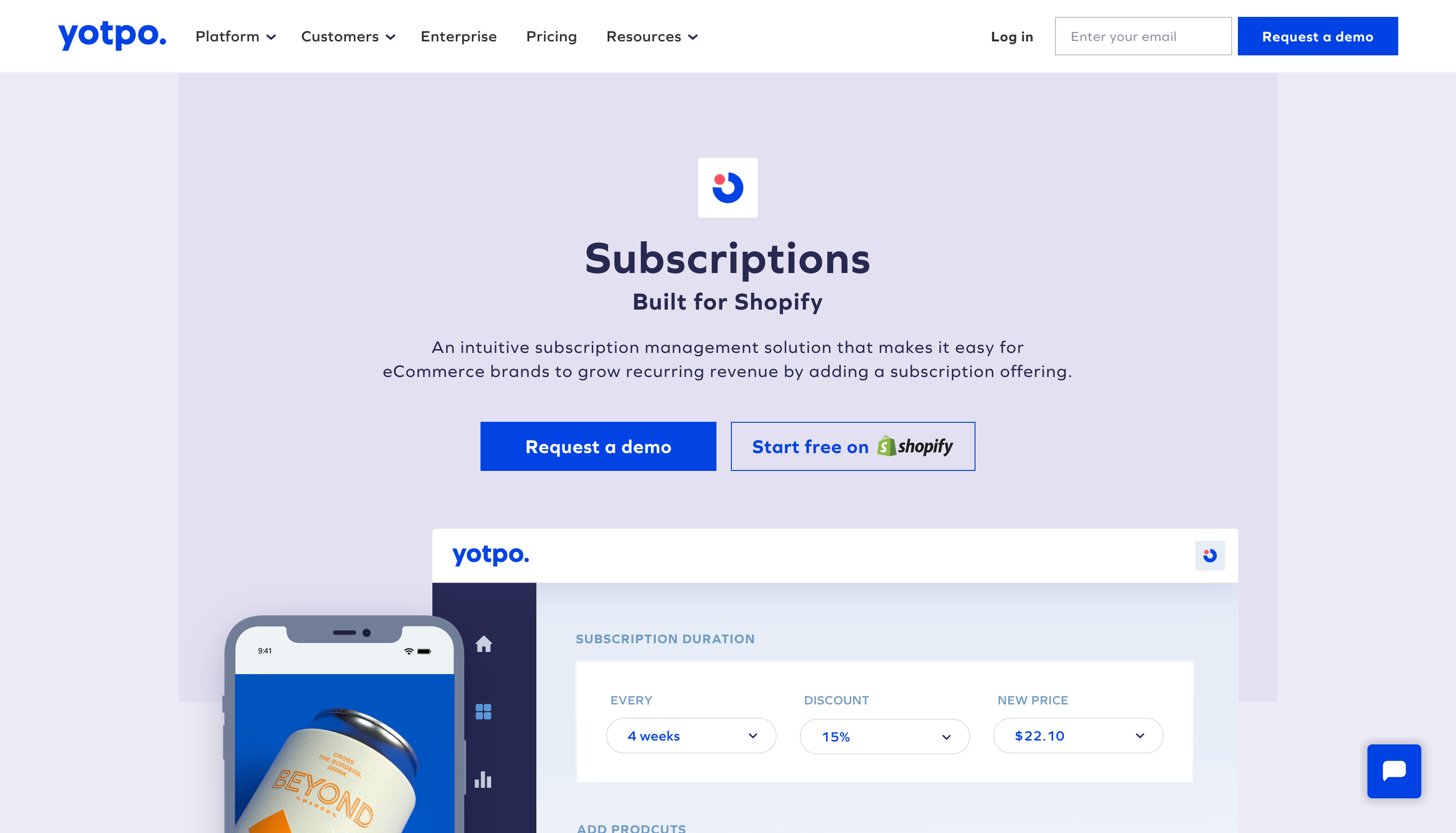
Yotpo Subscriptions: This app offers customizable payment plans, automated billing, and valuable insights into customer behavior, along with loyalty program features. It's an ideal choice if you’re already utilizing other Yotpo apps.
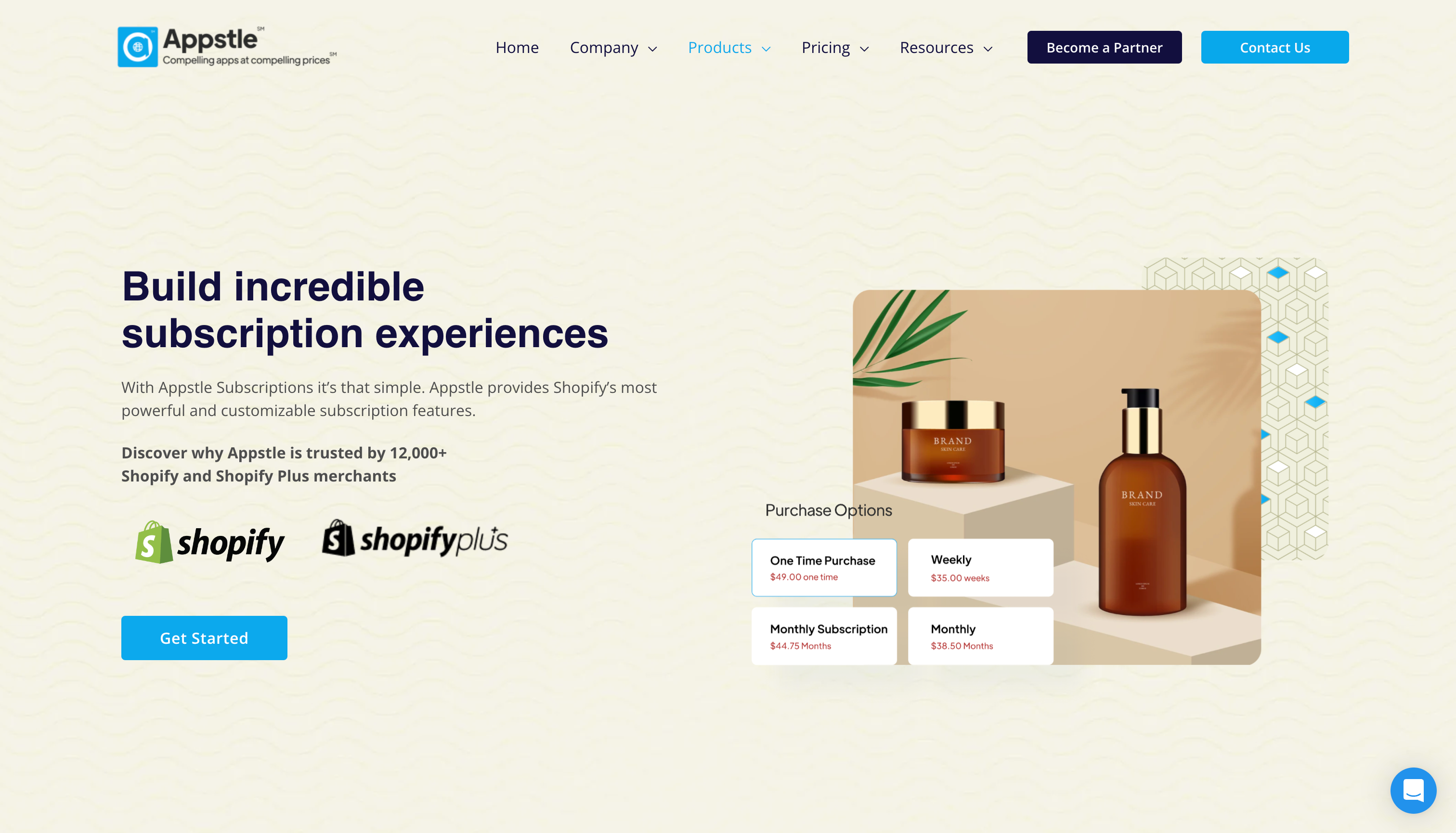
Appstle Subscriptions: This app features an easy-to-use interface with drag-and-drop capabilities, providing real-time insights into customer behavior. It’s a great option for businesses that are just starting with subscriptions.
Key features for subscription apps on Shopify
After reviewing the various options, consider the following factors:
- Customizable: Choose an option that offers customizable features for customers, such as the ability to skip or pause deliveries, adjust delivery frequency, or select different product options or quantities. This flexibility is crucial for enhancing customer satisfaction and retention.
- Terms and Conditions: Clearly communicate your subscription terms and conditions to customers. Ensure you include details on pricing, delivery schedules, and cancellation policies. Failing to do so could lead to customer confusion and erode trust.
- Analytics: Monitor your subscription performance using analytics tools. These tools can track key metrics such as renewal rates, customer acquisition costs, and customer lifetime value. Proper use of this data can help optimize your subscription offerings and pricing over time.
- Integration: Select an app that can integrate seamlessly with your other applications, including email marketing platforms and customer service tools.
Once you have chosen the right integrations for your store, it’s time to focus on designing the ideal user experience.
The best recurring order experience
Developing a successful subscription product begins with crafting an exceptional user experience. This involves creating a product page that clearly highlights the features and benefits of your subscription offering, along with detailed explanations of how it works.
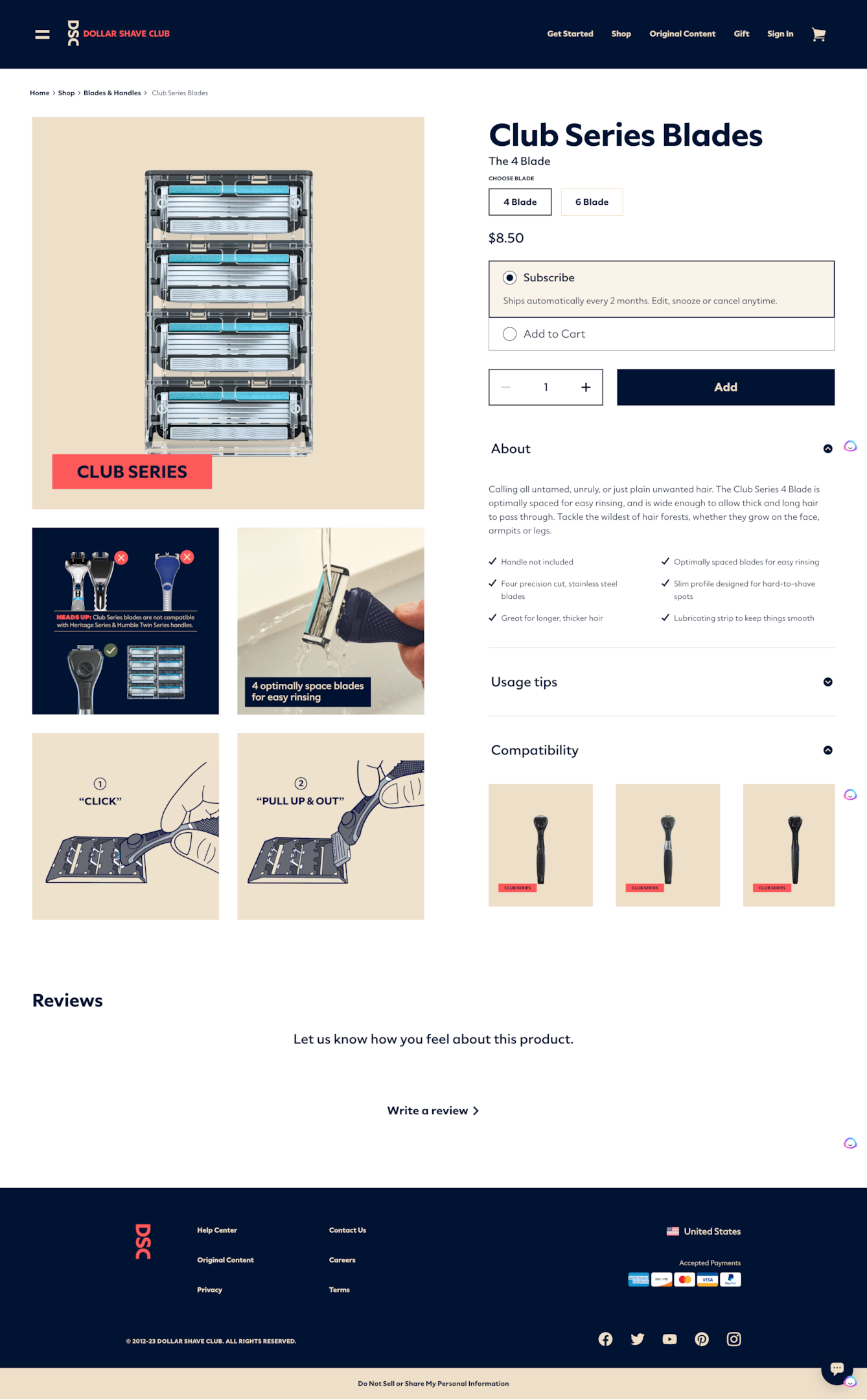
Another crucial aspect to prioritize is convenience.
Ensure that customers have an easy way to sign up for and manage their subscriptions. This could involve automating billing so they don’t need to make manual payments each month, offering options to update or cancel their subscription at any time, and making it simple for them to access their account information.
Additionally, to continually refine your product, it’s important to listen to your customers.
Make sure you listen to feedback
Listening to feedback from your customers is crucial. Solicit their opinions on the subscription product and its functionality, as well as any suggestions they may have for improvement. This proactive approach can help you identify potential issues or areas needing enhancement before they escalate into major problems.
In terms of customer retention, gathering feedback is essential. It allows you to stay informed about any necessary changes or improvements, ensuring that customers remain engaged and continue to generate revenue each month.
One effective method for collecting this feedback is through a post-purchase survey.
You can ask customers to rate their experience and answer any questions you may have about the product. This will help you gain valuable insights into what is working for them and also identify any areas that need improvement.
Start incorporating automated workflows
With your subscription product launched, it's time to implement automated workflows to enhance your customers' overall experience when managing their subscriptions.
Consider establishing automated loyalty programs for returning customers, such as offering discounts or extra benefits after a specific number of purchases. This approach not only keeps customers engaged but also motivates them to maintain their subscriptions for a longer duration.
By prioritizing an exceptional user experience and integrating automated workflows, you can create a thriving subscription product that encourages customer loyalty.
By applying the tips mentioned above, you can build a subscription product that resonates with customers, making it easier to retain them and ensuring your business generates consistent recurring revenue each month.
Recurring orders wrap-up
Automating Shopify subscriptions is an effective strategy for boosting customer retention and maximizing recurring revenue. By implementing automated billing, loyalty programs, and order management processes, you can provide customers with a seamless experience when managing their subscriptions.
With the proper setup, you can develop a successful subscription product that encourages customers to return for more.
If executed well, you can effortlessly automate Shopify subscriptions and begin generating increased recurring revenue from your store. With the right approach and tools in place, you can create a subscription product that keeps customers coming back time and again.
Automate your Shopify subscriptions with Mavenbird
With Mavenbird, you can fully automate the subscription process, covering billing, order management, customer notifications, and loyalty programs. We provide real-time insights into customer purchases, enabling you to understand usage patterns and make informed decisions about your product offerings and pricing.
Mavenbird’s automated workflows simplify the entire subscription experience for both you and your customers. Sign up for Mavenbird today and enjoy the benefits of automating Shopify subscriptions without any hassle or headaches.