

Data is at the heart of today’s ecommerce brands. However, the sheer volume of information collected daily can be overwhelming. To effectively manage this abundance of data, businesses require a tool or solution to transform it into actionable insights.
Well-organized data can help you identify opportunities early, make informed decisions, and maintain a competitive edge.
While there are numerous tools available for general data storage, Airtable and Google Sheets are two of the most popular options. The key question is: Which platform offers the comprehensive functionality that ecommerce brands need?
In this article, we will compare Google Sheets and Airtable in terms of cost, features, and ecommerce applications. Let’s explore the details.
Main differences between Airtable vs Google Sheets
The primary distinction between Google Sheets and Airtable lies in their structure: Google Sheets is a traditional spreadsheet tool, whereas Airtable serves as a hybrid between a spreadsheet and a database. Both platforms can store and organize data, but this fundamental difference leads to various capabilities.
Head-to-Head Comparison
- Complexity: Both Airtable and Google Sheets provide a blank canvas to begin with. Google Sheets features a straightforward rows and columns layout with limited functionality beyond that. In contrast, Airtable is a highly versatile tool suitable for more complex projects. However, this versatility comes with a steeper learning curve; Google Sheets is ready for immediate use, while Airtable requires more time to master.
- Field Types: Airtable supports a wide range of data types, including strings, numbers, files, buttons, barcodes, and more. Google Sheets, on the other hand, is limited to text, numerical values, date and time, and location data.
- Customization: Airtable offers the ability to create custom views of your data and choose from various view types, such as grid, kanban, timeline, and calendar. Google Sheets, however, provides the traditional spreadsheet experience without these customizable options.
- Relational Database: Airtable allows you to incorporate linked records into your workflow, a feature not available in Google Sheets. While Google Sheets can function as basic data storage, it requires knowledge of development tools for more advanced uses. Airtable includes built-in integrations with no-code tools that facilitate the use of stored data.
- Cost: Google Sheets is free as part of the Google Workspace suite, with a limit of 10 million records and over 100 collaborators. Airtable also offers a free plan, which includes 1,200 records per base and up to 5 creators/editors. For those looking to upgrade, Airtable’s paid plans start at $10 per seat per month, billed annually.
Exploring Airtable
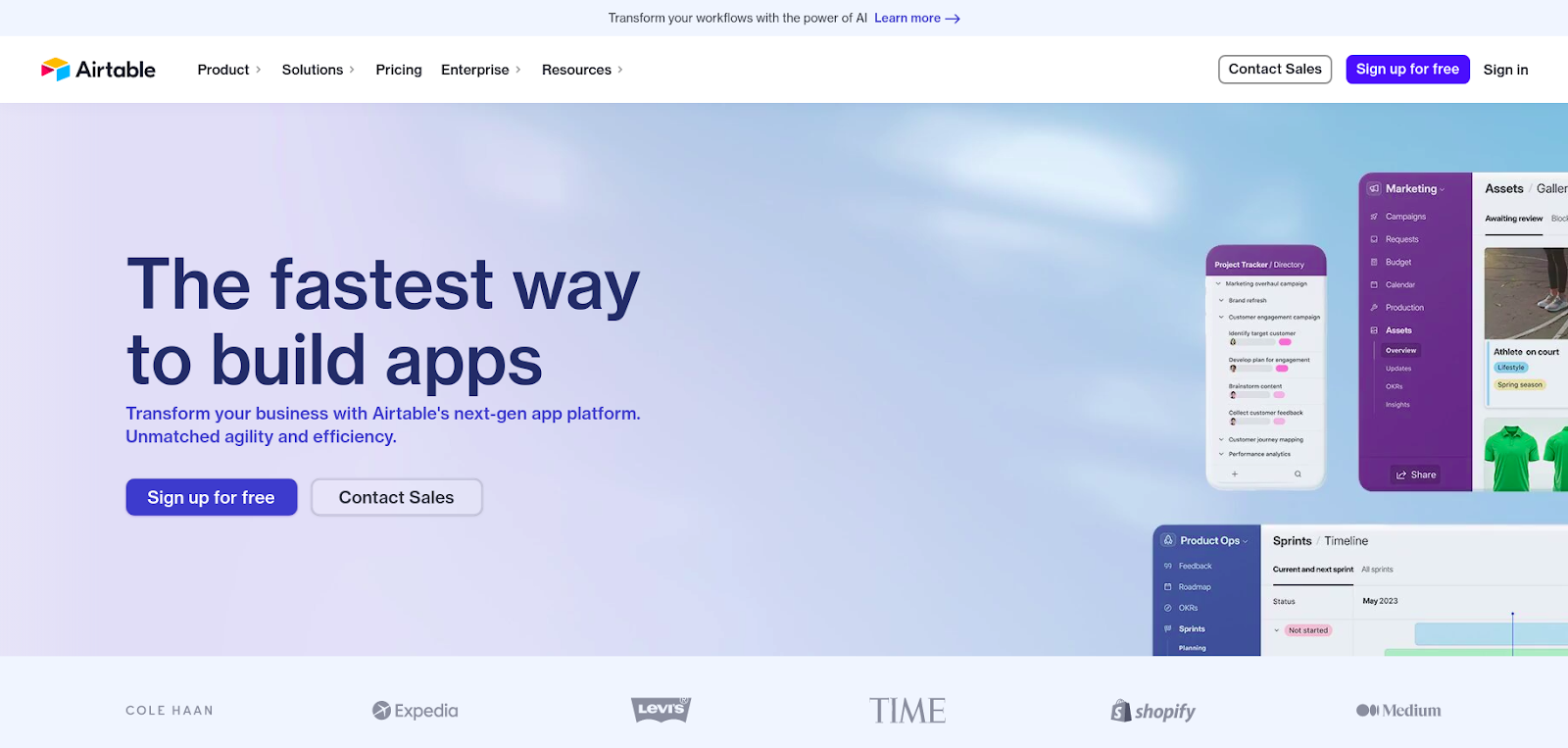
Airtable is a cloud-based platform that integrates the features of databases, spreadsheets, and collaboration software. It can be accessed through a web app or a mobile app available for both Android and iOS.
This versatile tool is suitable for various tasks, including:
- Storing and organizing data
- Project management
- Contact databases
- Task lists
- And more
With Airtable, you benefit from the convenience of a spreadsheet, combined with the robust features of a powerful database that surpasses the capabilities of a typical spreadsheet application.
Core Features of Airtable
- An intuitive, spreadsheet-like interface with advanced data fields.
- Different user-permission levels for collaborative usage.
- A relational database management system to link records across multiple tables.
- Custom views such as grid, kanban board, timeline, and calendar.
- An extensive list of integrations with other tools, including no-code platforms for ecommerce like Mavenbird.
Airtable offers a free version ideal for individuals or small teams just starting with the platform. This free version allows users to create unlimited bases, manage up to 1,200 records per base, and include up to 5 creators/editors. For those looking to upgrade, Airtable offers paid plans ranging from $12 to $24 per seat per month.
Exploring Google Sheets
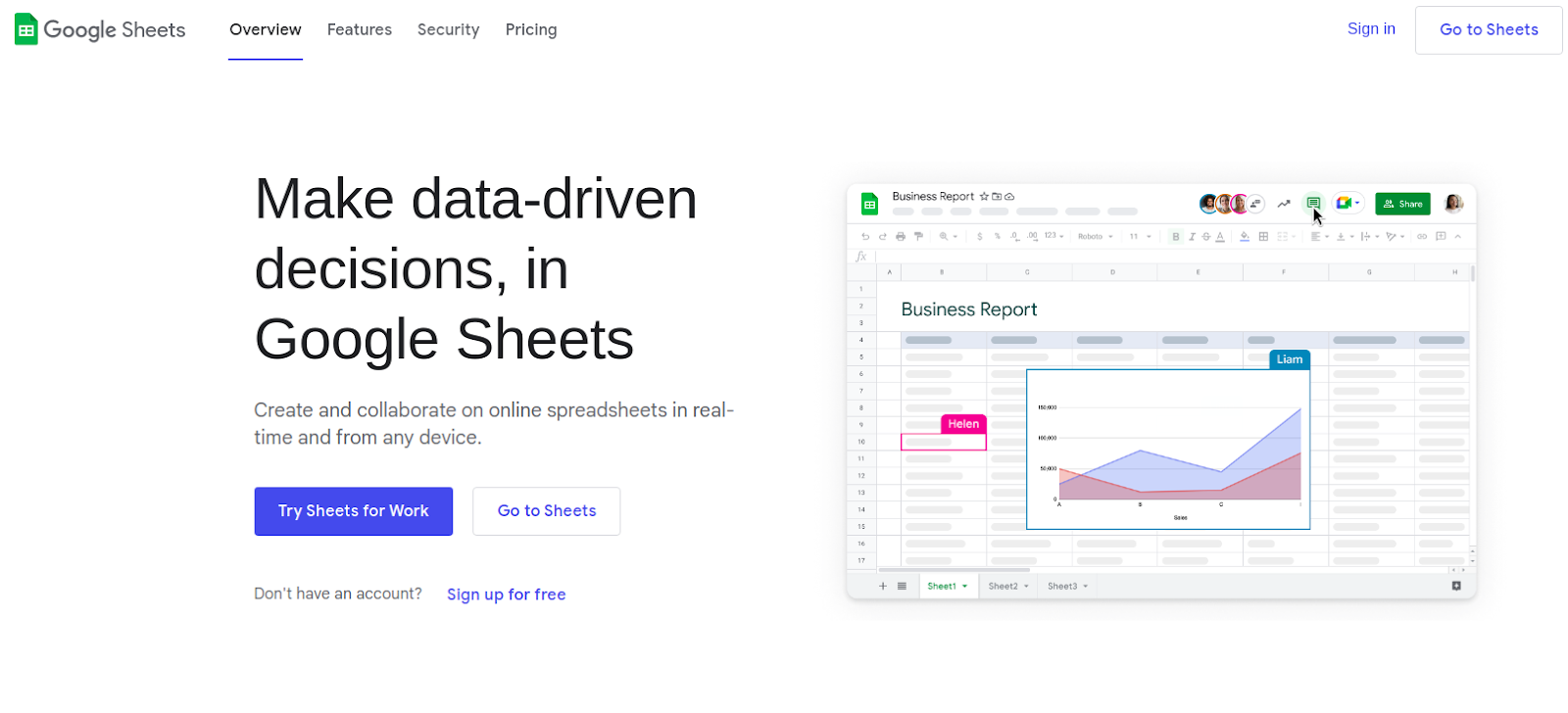
Google Sheets is a cloud-based spreadsheet tool that is part of the Google Workspace Suite. It is commonly used for data collection, calculations, and basic data visualization. The interface resembles that of Microsoft Excel but provides more built-in collaborative features, making it ideal for remote teams.
With Google Sheets, you can create, edit, and access your spreadsheets from various devices, including your phone, tablet, or computer.
Core Features of Google Sheets
- Data tracking and analysis using formulas.
- Basic project management capabilities.
- A collaborative tool that offers real-time updates.
- Data visualization and reporting functionalities.
- Integration with other Google Workspace apps, such as Google Docs and Google Calendar.
Google Sheets is free to use, allowing up to 10 million records and over 100 collaborators per sheet. For most use cases, the free plan is sufficient. However, if you wish to upgrade for features like enterprise-grade security and dedicated support, Google Workspace offers paid plans starting from $6 per user per month.
What makes a great data management tool?
Selecting the appropriate tool to manage ecommerce data is essential for avoiding duplication, data silos, and complex management issues. A well-structured and systematized data foundation also enables businesses to scale effectively.
Key Features that Differentiate Data Management Tools
- User Interface and Ease of Use: A simple interface like Google Sheets is ideal for users who prefer starting from scratch and creating their own processes. In contrast, an interface with multiple options and templates, such as Airtable, is more suitable for those looking to maximize the tool’s capabilities.
- Collaboration and Sharing: Both Airtable and Google Sheets support real-time collaboration. Airtable generally limits the number of users for collaboration on most plans, but it allows for different access levels within various parts of your base. Conversely, Google Sheets enables easy sharing with a larger number of users, although its access customization is limited to the entire file.
- Data Management and Organization: Consider the complexity of the tasks you will be handling. Airtable offers multiple input field types, data import capabilities, and other advanced features. In contrast, Google Sheets has limited functionality for complex workflows and data analysis.
- Customization and Extensibility: As your business grows, the ability to scale and customize your data management tool becomes vital. Ensure that the solution you choose can accommodate your future data growth and evolving business needs.
- Integration with Other Tools and Services: Data does not exist in isolation. Your data management tool needs to integrate with your CRM, ERP, email marketing system, and other platforms. Airtable's API allows connections with applications like Salesforce, Stripe, Mavenbird, and many other third-party tools to create powerful workflows. Google Sheets, on the other hand, has more limited integration options.
Best ecommerce use cases for Airtable and Google Sheets
Airtable and Google Sheets are versatile tools with a wide range of applications across different industries. Here are some prevalent ecommerce use cases for both platforms:
- Management and tracking of inventory
- Analysis of sales and revenue
- Customer relationship management (CRM)
- Automation of workflows and management of tasks
When comparing Airtable and Google Sheets, it's essential to consider your specific needs and the features required. Airtable excels in inventory management, CRM, data analysis, and reporting, while Google Sheets is more suited for basic project management, simple data tracking, and personal finance management and budgeting.
Airtable or Google Sheets, which one to choose?
If you have a limited dataset and need to perform basic calculations and visualizations, Google Sheets could be a suitable option. On the other hand, if you're handling large amounts of data and require various ways to manipulate and view it, Airtable would be the better choice.
Moreover, Airtable is particularly advantageous for dynamic use cases such as CRM or project management, as it functions like a relational database, allowing you to organize and link all your information effectively.
No matter which platform you choose, you can leverage automation to save valuable time. With Mavenbird, you can establish a workflow that triggers each time a record is created or updated in Airtable, or automatically send essential information to existing Google Sheets, eliminating the need for manual data entry.