Enables OTP-based mobile authentication
Allows customers to log in using their mobile number with OTP verification, simplifying the authentication process.

Enhance the professionalism of your online store with the Magento 2 Mobile Login extension by Mavenbird. This feature enables customers to register and log in using their mobile numbers, as well as update their mobile details and reset their passwords via OTP for added security.

We are committed to being open and transparent with our customers. When you purchase our module, you automatically receive one year of free support service and free updates.
Tracks all actions performed by admin users such as product edits, order updates, and configuration changes. Logs specific details like the date, time, and IP address of the action.
Monitors the actions of each admin user individually, helping track the performance and identify errors. Allows filtering logs by admin user to see their specific actions.
Admin actions can be tracked and monitored in real-time, meaning you can instantly see changes as they happen. Real-time logs enable immediate action if suspicious activity is detected, improving store security. Administrators can access a live feed of actions directly from the backend, allowing for instant visibility into ongoing tasks and modifications.
The extension provides a comprehensive log viewer within the Magento admin interface, where all logged actions can be viewed and filtered based on criteria like date, user, and action type. Administrators can export logs into formats like CSV or XML, allowing them to generate reports or analyze data outside Magento. Exporting logs is useful for maintaining records of activity, sharing with external teams, or auditing purposes.
Alternatively, admins can manually delete logs when necessary or keep certain logs indefinitely if required for long-term audits or legal compliance.
Admins can easily filter logs based on different types of actions. For example, you can choose to view only logs related to product edits, customer management, or order updates. This filtering capability simplifies the process of finding relevant information, especially in a busy store with many admins.
The extension logs all admin login and logout activities, including successful and failed login attempts. Failed login attempts are particularly important to track as they may indicate potential security threats such as brute-force attacks. This feature helps ensure that only authorized personnel can access the Magento backend and enables the identification of any suspicious login activity.
The extension can be configured to send automated notifications to administrators when critical actions are performed, such as changes to store settings, payment methods, or shipping options. Notifications can be sent via email, providing real-time alerts to store owners or security teams to ensure that they are aware of significant changes.
In addition to tracking standard actions, the extension logs any errors or exceptions that occur during admin activities. This can include issues like failed product updates, system configuration errors, or database query failures.
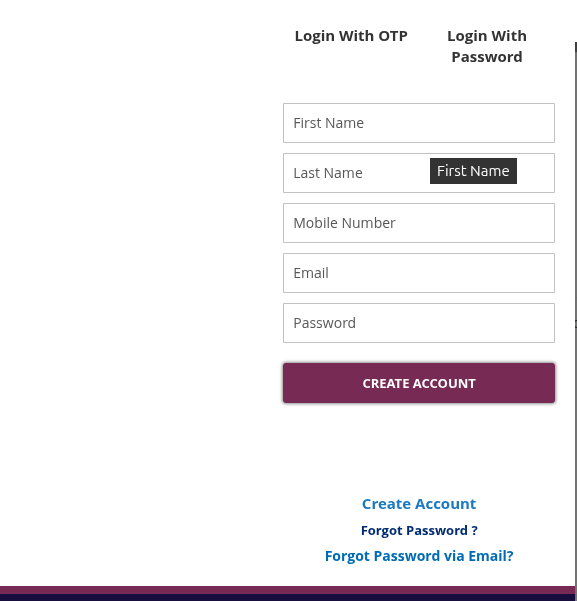
Users can sign up by entering their mobile number and requesting an OTP. Upon verification of the OTP, their account is successfully created.

Users can log in using their registered mobile number. An OTP will be sent to their phone for verification and access to their account.

In addition to OTP login, users can also opt to log in using their email ID or mobile number along with their password.
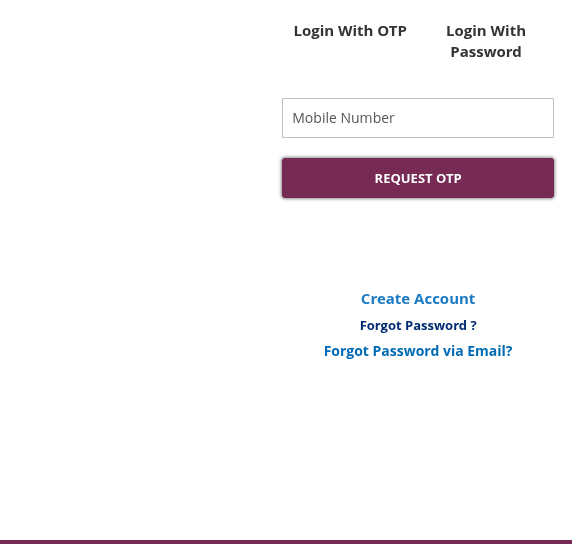
Users can reset their passwords by verifying their mobile number with OTP. This ensures secure password recovery.
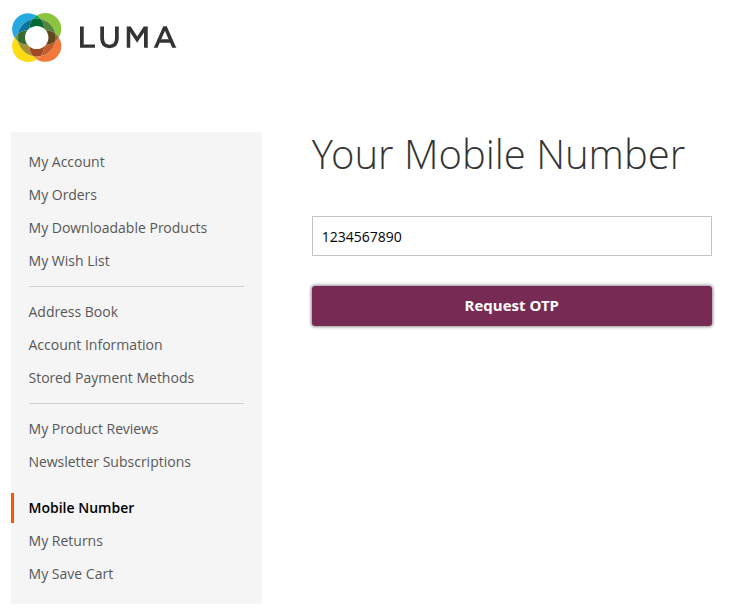
Users can update their mobile number from the "My Account" section after verifying the new number with OTP.
1.2.0 – December 30, 2025
1.1.1 – September 15, 2024
1.1.0 – June 10, 2024
1.0.0 – January 15, 2024