📘
User Guide & Documentation
Step-by-step setup manual for Admin Payment method
View →
Changelog v1.1.1 Compatible with Magento CE, EE · 2.3.x, 2.4.x

Admin Payment method

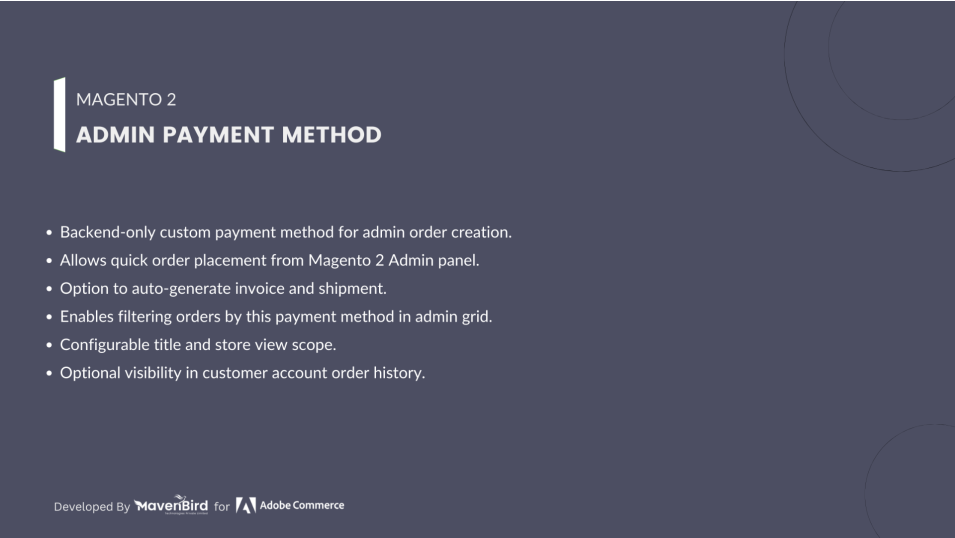
Admin Payment Method Empower store admins to create orders with a hidden backend-only payment option. Supports auto-invoice and shipment, flexible configurations, and Hyvä compatibility for a smooth management experience.


  $0
No surprise fees

We are committed to being open and transparent with our customers. When you purchase our module, you automatically receive one year of free support service and free updates.

Why is this important?

  • Seamless Installation and Configuration: We understand that setting up a new module can take time to configure according to your specific needs. That's why we offer a full year of free support. Our experienced team is here to assist you with installation, configuration, and any questions you might have. We're eager to share our expertise to ensure you get the most out of your purchase.
  • Stay Updated with Magento (Adobe Commerce) Releases: Magento releases new versions approximately every three months. These updates can sometimes introduce compatibility challenges. To keep your store running smoothly, we provide a year of free access to the latest versions of our modules, ensuring that you can upgrade Magento and our modules without encountering any obstacles.
  • Subscription Included: Renewing your subscription ensures continued access to the latest updates and support from our team. This means you can be confident that any issues you encounter with the extension will be resolved quickly and efficiently. You can cancel your subscription at any time without any additional fees.
Hyvä Bronze Partner
Adobe Commerce
Secure Checkout

Highlighted Features

  • Backend-Only Payment Method

    Create a payment option visible only in the Magento Admin panel, hidden from frontend checkout.

  • Create Orders via Admin

    Use the custom admin payment method when creating orders from the backend, with option to preselect it.

  • Automatic Invoice & Shipment

    Automatically generate invoices and shipments once an order is placed with this method.

  • Order Grid Filtering

    Filter and manage orders in the admin panel by this payment method for easier tracking.

  • Configurable Scope

    Set store view names and limit availability to specific countries as needed.

  • Customer Visibility Option

    Optionally display the payment method in customer account order history.

  • Hyvä Theme Compatible

    Works smoothly with the Hyvä theme and follows Magento coding standards.
Description

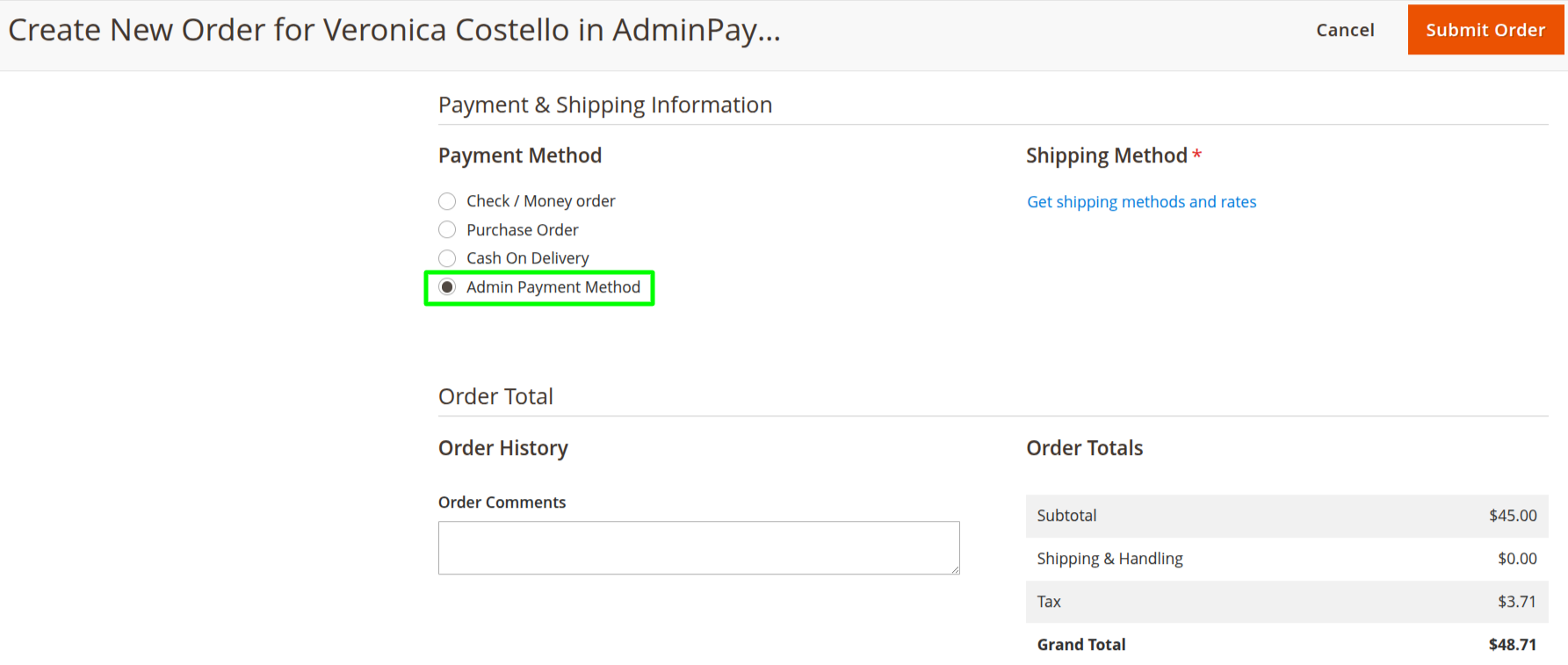
Create Order in Admin Panel

  • Admins create new orders directly from the backend dashboard.
  • Select the Admin Payment Method during the payment step.
  • Option to preselect this method for quicker order creation.
  • Orders can automatically generate invoices and shipments if enabled.
FAQs

Frequently Asked Questions

It allows admins to create backend orders using a hidden payment method with optional auto-invoice and shipment.
Go to Store → Configuration → Mavenbird Extensions → Admin Payment Method and enable it with optional auto-invoice/shipment.
No, it is backend-only and appears only in the admin order creation page.
Yes, admins can enable or disable automatic invoice and shipment creation in settings.
Filter and track these orders in the Magento 2 Order Grid by payment method.
   Ask a question
REVIEWS

Changelog

1.1.1 – December 30, 2025

  • Upgraded for compatibility with Magento 2.4.8-p3.
  • Compatible with PHP version 8.4.

1.1.0 – September 1, 2024

  • Minor Bug Fixes

1.0.0 – February 19, 2018

  • Release Initial Version.
