Import Export CMS Blocks Extension
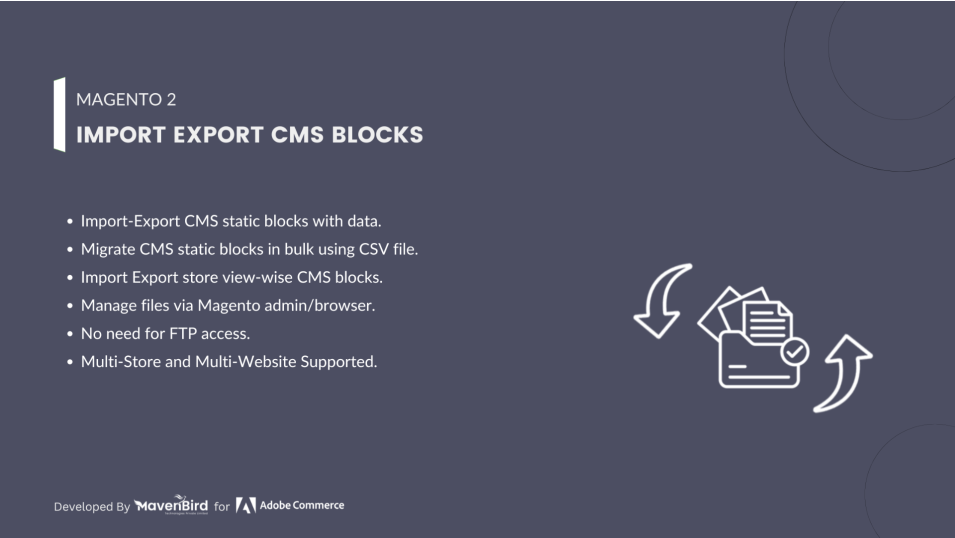
Magento 2 Import Export CMS Blocks Extension streamlines the process of importing and exporting CMS blocks, enabling you to quickly transfer content between Magento 2 (Adobe Commerce/Adobe Commerce Cloud) stores or back up important pages—saving time and enhancing content management efficiency.

- CMS static blocks can quickly be modified and applied to the Magento store by CSV file.
- CMS static blocks of all associated data are imported/exported.
- Magento admin/browser import/export files. No FTP connection provision.
- Multi-Store and multi-Website assistance.
- Wise CMS static blocks in the Import/Export Store view.
We are committed to being open and transparent with our customers. When you purchase our module, you automatically receive one year of free support service and free updates.
Why is this important?
- Seamless Installation and Configuration: We understand that setting up a new module can take time to configure according to your specific needs. That's why we offer a full year of free support. Our experienced team is here to assist you with installation, configuration, and any questions you might have. We're eager to share our expertise to ensure you get the most out of your purchase.
- Stay Updated with Magento (Adobe Commerce) Releases: Magento releases new versions approximately every three months. These updates can sometimes introduce compatibility challenges. To keep your store running smoothly, we provide a year of free access to the latest versions of our modules, ensuring that you can upgrade Magento and our modules without encountering any obstacles.
- Subscription Included: Renewing your subscription ensures continued access to the latest updates and support from our team. This means you can be confident that any issues you encounter with the extension will be resolved quickly and efficiently. You can cancel your subscription at any time without any additional fees.
Highlighted Features
-
Bulk Import and Export
Effortlessly import or export multiple CMS blocks using CSV or XML files. The extension supports mapping of attributes such as title, identifier, and content, allowing for accurate and seamless data transfer.
-
Data Mapping and Customization
Utilize an intuitive interface to map CMS block fields to file columns, and customize export formats to meet specific data requirements.
-
Error Handling and Validation
Ensure data integrity with built-in validation checks and error reporting, facilitating easy correction of issues encountered during import or export.
-
User Permissions and Security
Control access to import/export functionalities through Magento’s user roles and permissions system, safeguarding sensitive data.
-
Multi-store Support
Manage CMS blocks across different store views or websites with ease, ensuring consistency and effective data handling in multi-store environments.
-
Logs and Audit Trails
Track and review import/export activities with detailed logs, providing transparency and accountability in data management.
Description
Steps for Cms Blocks Import
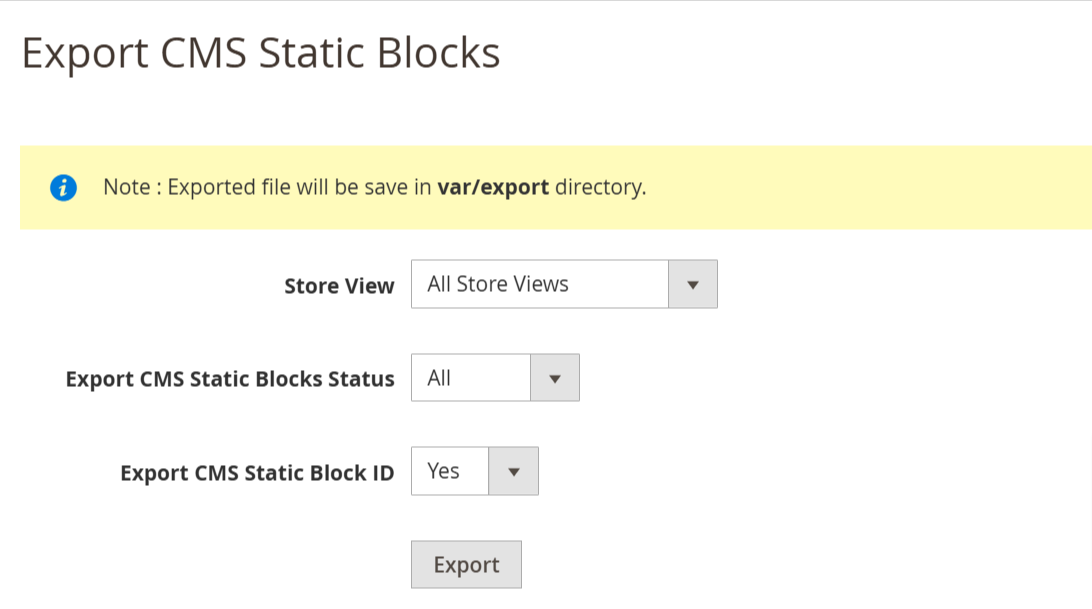
The Import Export CMS Blocks Extension for Magento 2 allows bulk import/export of static CMS blocks—including title, identifier, content, status, and store view—via CSV. Seamlessly transfer data between stores, ensuring efficient, error-free content management with version control, multistore support, and customizable backup options for streamlined workflows.
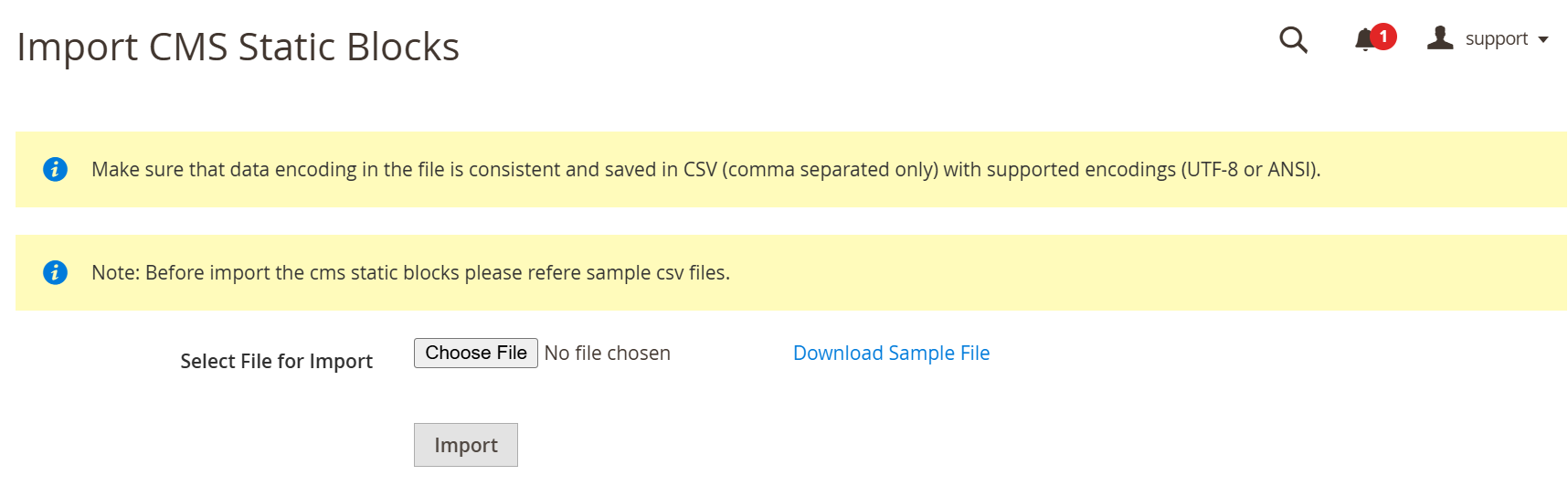
- As per our documents, schedule your CSV.
- Go to Your Site Backend -> SYSTEM -> Mavenbird– Import Export CMS Static Blocks -> Import CMS Static Blocks.
- Please upload your created csv file and click on “Import CMS Static Blocks” button.
- Now, successfully import CMS static blocks data. Your store CMS static blocks will be display on Admin -> CONTENT -> Elements -> Blocks.
Frequently Asked Questions
Changelog
1.1.1 – December 30, 2025
- Upgraded for compatibility with Magento 2.4.8-p3.
- Compatible with PHP version 8.4.
1.1.0 - September 1, 2024
- Minor Bug Fixes
1.0.4 – July 1, 2024
- Updated for compatibility with Magento 2.4.7-p1.
1.0.3 – June 1, 2023
- Magento 2.4.6 Compatibility Added.
1.0.2 – May 31, 2022
- Ensured Compatibility with Magento 2.4.4 Version.
1.0.1 – June 26, 2020
- Compatiibility with Magento 2.4.X versions.
1.0.0 – January 12, 2018
- This extension supports importing CMS Blocks with custom options.