📘
User Guide & Documentation
Step-by-step setup manual for Booking System Extension
View →
Changelog v1.3.0 Compatible with Magento CE, EE · 2.3.x, 2.4.x

Booking System Extension

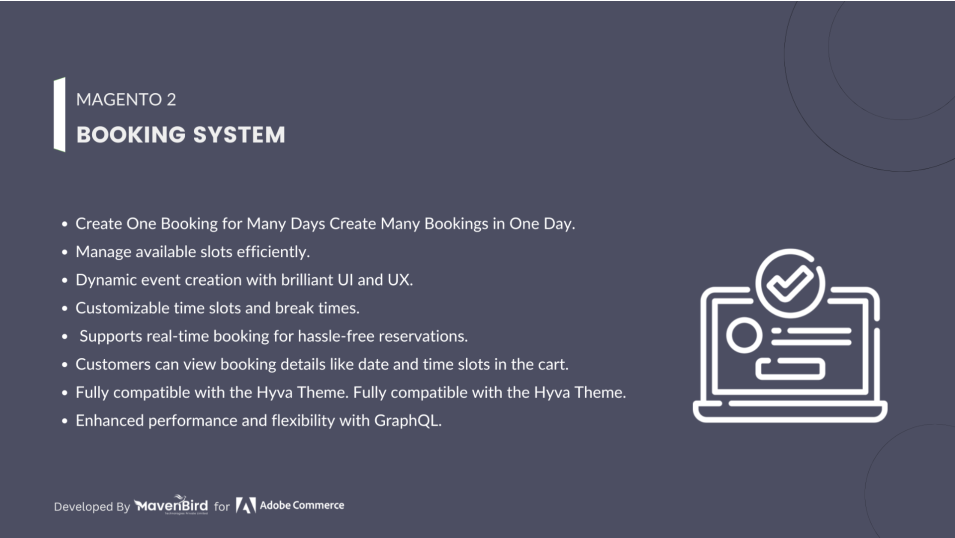
The Magento 2 Booking System Extension allows customers to easily book appointments, services, or rentals directly from your store, offering customizable booking options, time slots, and availability management to enhance customer convenience and streamline your business operations.

  $99
$149
34% OFF
No surprise fees

We are committed to being open and transparent with our customers. When you purchase our module, you automatically receive one year of free support service and free updates.

Why is this important?

  • Seamless Installation and Configuration: We understand that setting up a new module can take time to configure according to your specific needs. That's why we offer a full year of free support. Our experienced team is here to assist you with installation, configuration, and any questions you might have. We're eager to share our expertise to ensure you get the most out of your purchase.
  • Stay Updated with Magento (Adobe Commerce) Releases: Magento releases new versions approximately every three months. These updates can sometimes introduce compatibility challenges. To keep your store running smoothly, we provide a year of free access to the latest versions of our modules, ensuring that you can upgrade Magento and our modules without encountering any obstacles.
  • Subscription Included: Renewing your subscription ensures continued access to the latest updates and support from our team. This means you can be confident that any issues you encounter with the extension will be resolved quickly and efficiently. You can cancel your subscription at any time without any additional fees.
Hyvä Bronze Partner
Adobe Commerce
Secure Checkout

Highlighted Features

  • Calendar Integration

    Provides a visual calendar interface for customers to select dates and time slots for bookings. This helps in avoiding conflicts and ensures a clear view of available options.

  • Customizable Booking Options

    Allows merchants to define various booking types, such as single or recurring appointments, and tailor booking forms to collect specific information from customers, such as service preferences or special requests.

  • Availability Management

    Enables merchants to set available time slots, define working hours, and block out dates when the booking system should not accept new reservations, ensuring efficient time management.

  • Booking Management Dashboard

    Features a user-friendly backend interface for merchants to view and manage all bookings. This includes checking booking details, editing or canceling appointments, and accessing customer information.

  • Payment Integration

    Facilitates online payment for bookings by integrating with various payment gateways, allowing customers to complete transactions directly through the store at the time of booking.

  • Resource Management

    Manages and schedules resources or staff effectively, ensuring that bookings are assigned appropriately and preventing double bookings or over-scheduling.

  • Customizable Booking Forms

    Provides flexibility to customize booking forms to capture specific details needed for different types of bookings, improving data collection and relevance.

  • Multi-store Support

    Supports multiple stores or websites under a single Magento installation, allowing merchants to manage bookings across different locations or stores and view them collectively or separately.
Description

Create Booking Product

booking_system_product_page

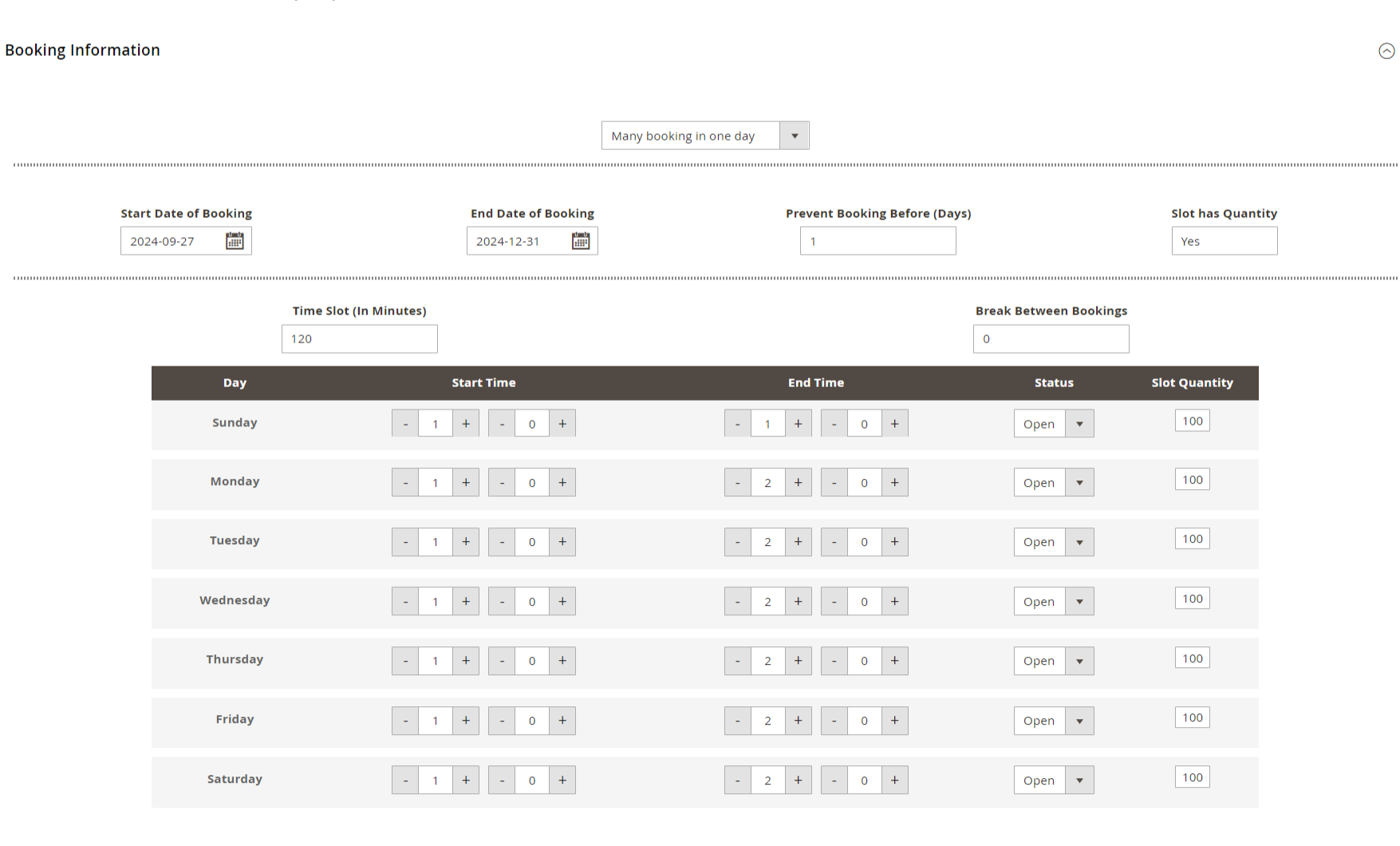
The Booking System Extension for Magento 2 enables merchants to manage and accept bookings or reservations directly through their store. It’s ideal for businesses offering services, appointments, or rentals, providing increased sales opportunities, improved customer experience, and efficient, automated scheduling with added flexibility.
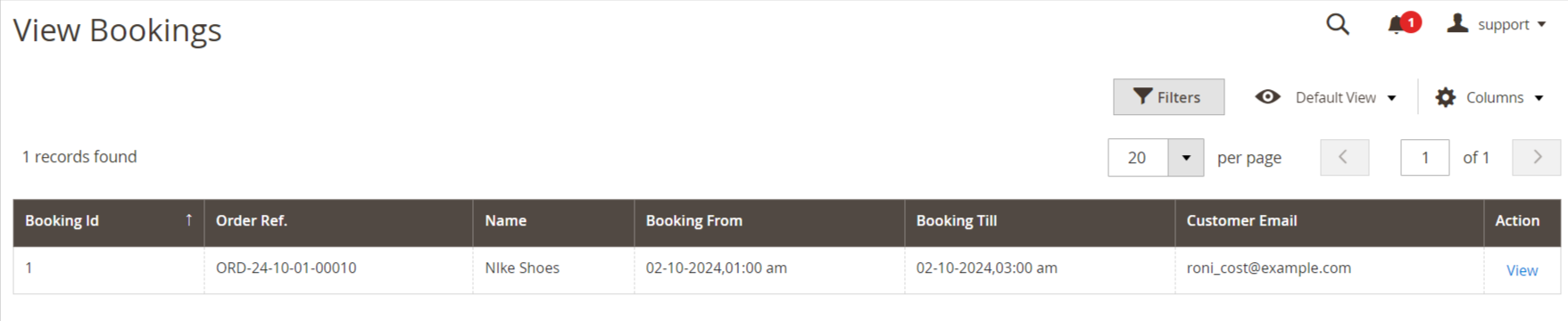
  • First of all click on Catalog → Product → Booking product. Then click on drop down. Then click on the Add Booking System button.
  • Create Booking Product shown in below screen.

View Bookings

booking_system_view_page
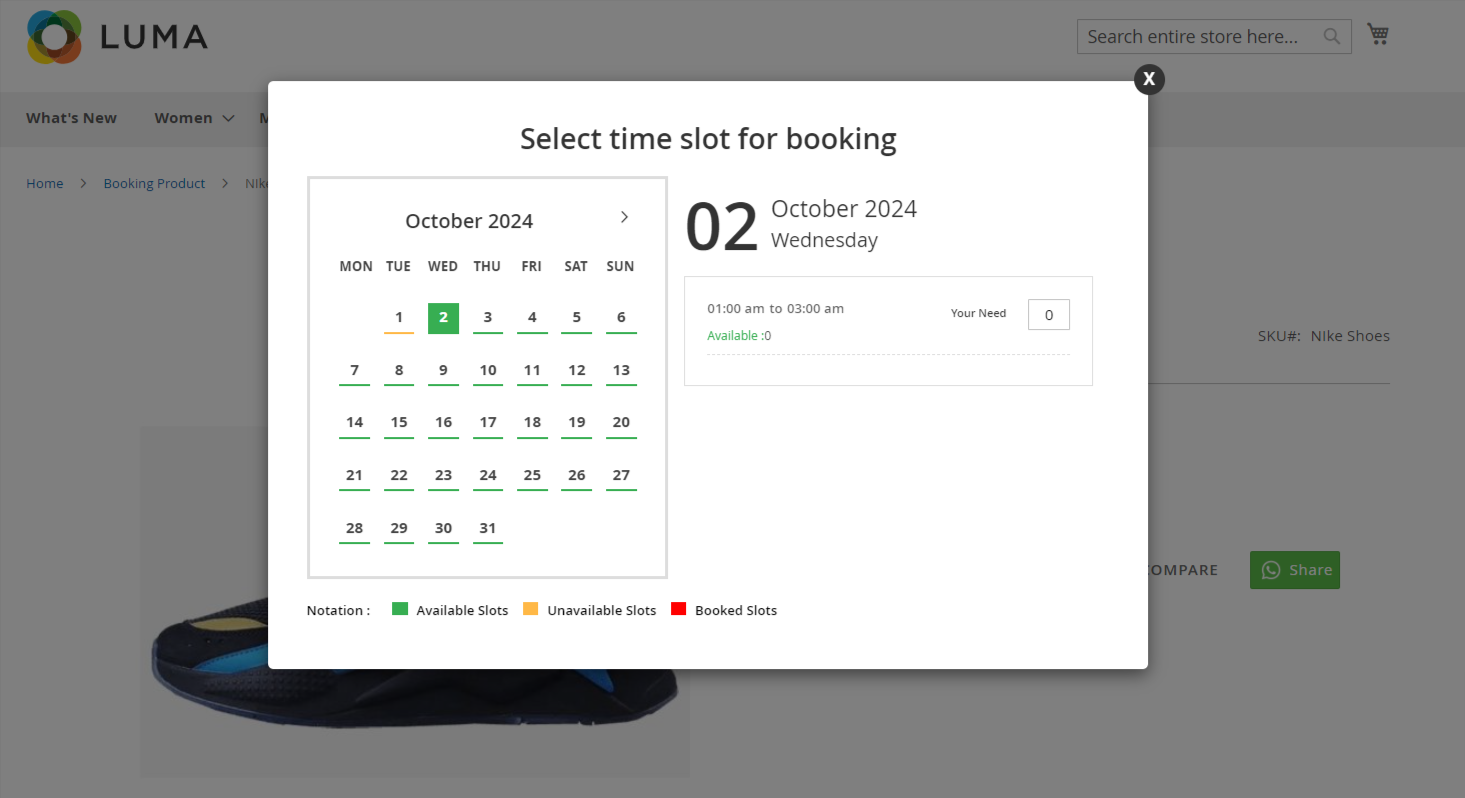
  • First of all click on Mavenbird -> Booking system -> view booking.
  • When customer add order a file then some logs are create so this log entry in this table.

Booking System On Frontend

booking_system_frontend
  • When click on "Book Now" Button show the this screen.
FAQs

Frequently Asked Questions

This error typically occurs if the selected date and time are already booked or unavailable. Please check the availability settings in your admin panel or verify that the booking calendar is properly configured.
The "Invalid booking request" error may be caused by incorrect input data or validation issues. Check your booking form for required fields and ensure that all data complies with the specified formats. Additionally, ensure that your extension is up to date.
   Ask a question
REVIEWS

Changelog

1.3.0 – january 12, 2026

  • Upgraded for compatibility with Magento 2.4.8-p3.
  • Compatible with PHP version 8.4.

1.2.0 – January 1, 2026

  • Fully compatible with Hyva 1.3.

1.1.1 – December 30, 2025

  • Upgraded for compatibility with Magento 2.4.8-p3.
  • Verified and compatible with PHP version 8.3.

1.1.0 - September 1, 2024

  • Minor Bug Fixes

1.0.8 – July 5, 2024

  • Fully compatible with Magento ^2.4.7 and PHP 8.3
  • Resolved issue when saving booking products using the "One Booking for Many Days" option.

1.0.7 – June 5, 2023

  • Fully compatible with Magento 2.4.6
  • Admin users can now create booking product orders directly from the backend.
  • Prevented customers from selecting past dates while booking.
  • Resolved validation issues during booking information save.
  • Fixed errors encountered when creating booking orders from the admin panel.
  • Corrected issues with the booking calendar display and functionality.

1.0.6 – May 1, 2021

  • Compatible with Magento 2.4.3
  • Admin can define individual slot quantities for both booking types.
  • Admin can set a restriction to prevent bookings before a specified number of days.
  • Resolved issue where booking product was getting disabled on save.
  • Fixed manual slot quantity input bug.
  • Addressed 'Add to Cart' functionality issue.
  • Fixed exception error occurring during product save.

1.0.5 – January 1, 2020

  • Fully compatible with Magento 2.4.0

1.0.4 – April 5, 2020

  • Implemented validation for booking information.
  • Resolved issue on the wishlist page.
  • Corrected salable quantity calculation for booking products.
  • Fixed form key validation issue.
  • Addressed text overflow display issue.

1.0.3 – September 9, 2019

  • Resolved issue with multi-month booking availability calendar.
  • Fixed composer-based module installation issue.

1.0.2 – March 16, 2019

  • Updated the design for improved user experience.
  • Enabled selection of any date as the "End Day" for "One Booking for Many Days" product type.

1.0.1 – August 17, 2018

  • Resolved Magento Connect-related issues.
  • Fixed issues with product updates.

1.0.0 – February 3, 2018

  • Admin can configure the website as a booking platform.
  • Suitable for ticket-based bookings.
  • Ideal for appointment scheduling services.
  • Allows quantity management for individual time slots.
  • Supports flexible and dynamic time configurations.
  • Displays selected time and event details during checkout.