

Learn the common reasons for Shopify store downtime and how to quickly restore your store to avoid losing customers and revenue.
Understanding Shopify Store Outages
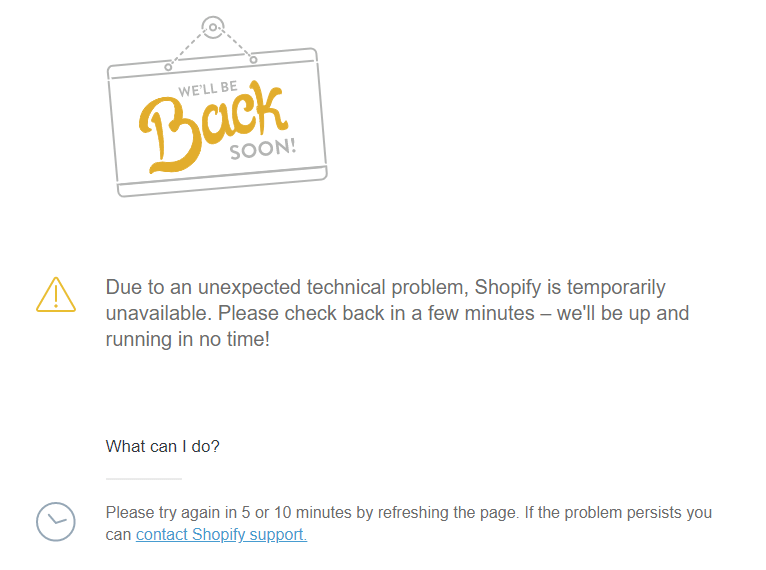
Setting up an online Shopify store is a remarkable achievement. However, encountering a "Sorry, this shop is currently unavailable" message can be frustrating.
Every minute your store is unavailable costs potential customers and revenue. This guide explains common causes and steps to get your store back online.
Common Reasons Your Shopify Store is Unavailable
1. Shopify Website is Down
Sometimes the outage is due to Shopify itself. Check Shopify status pages or Down Detector to see if the issue is widespread.
2. Domain Issues
Recent DNS or domain updates can cause your store to be inaccessible. Remember, DNS propagation may take up to 72 hours.
3. Accidentally Deleted Files
Deleting important files or adding new code can cause downtime. Restoring from a backup can resolve the issue.
4. Failed CSV Uploads
Errors in CSV file uploads can break your store functionality. Always backup before uploading large files.
5. Incompatible Apps or Themes
New apps, plugins, or theme updates can conflict with your store. Restoring to a previous version or seeking Shopify expert help can fix this.
6. Contact Shopify Support
Shopify offers 24/7 customer support. Contact them to resolve outages or get guidance on downtime issues.
7. Use Down Detectors
Use tools to determine whether the outage is local to your store or widespread. Keep customers informed with real-time updates.
8. Retrace Your Steps
If you recently made changes, revert to a previous version to find the root cause and prevent future issues.
9. Use Test Mode
Test mode allows you to place dummy orders and check store functionality from a customer perspective before contacting support.
Frequently Asked Questions (FAQs)
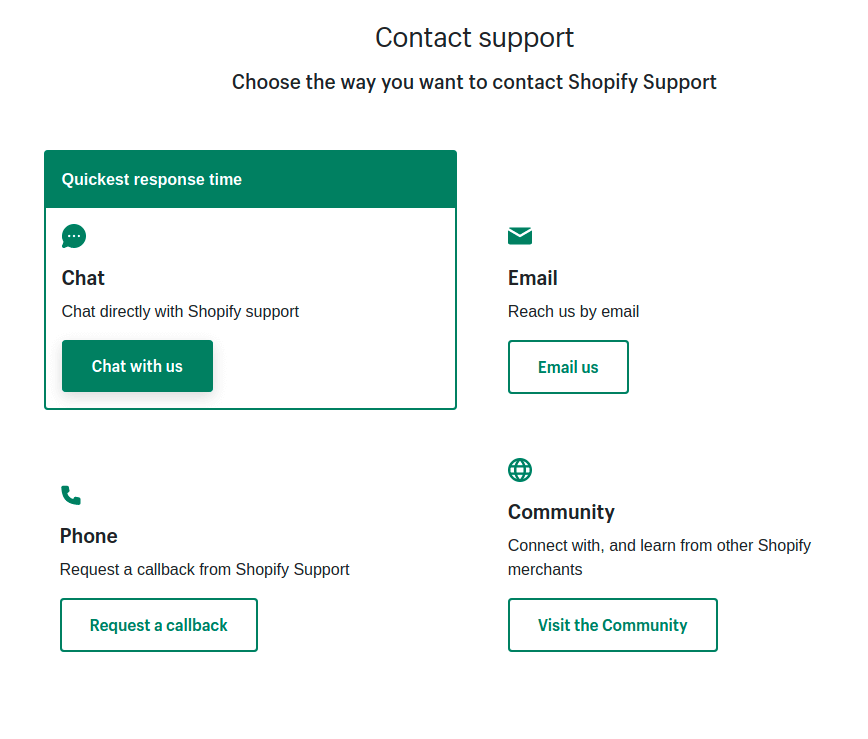
How do I contact customer service when my Shopify store is unavailable?
- Shopify Community Forum: Learn from other users and find solutions to specific issues.
- Shopify Help Center: Access FAQs for quick self-service solutions.
- Live Chat Support: Real-time support through Shopify Help Center.
- Email: Contact Shopify via email (authenticate your store for faster processing).
- Phone Support:
- US: 1-888-746-7439
- Australia: 03-8400-4750
- UK: 0800-808-5233
- Ireland: +353 1800 851 000
- India: 000-800-100-5786
- New Zealand: 07-788-6026
- Malaysia: 1800-80-6678
- Indonesia: 007-803-651-0008
- Singapore: 800-181-1121
- Social Media: Reach out on Twitter, Facebook, Instagram (@Shopify) for assistance.
How Downtime Affects Your Shopify Store
- Customer retention drops
- Decline in sales
- Lower conversion rates
- Reduced traffic
- Negative customer feedback
Wrapping Up
Resolving Shopify store downtime quickly is crucial to avoid losing customers. Identify the root cause, follow the recommended steps, and contact support if necessary. This ensures your store runs smoothly and maintains customer trust.