

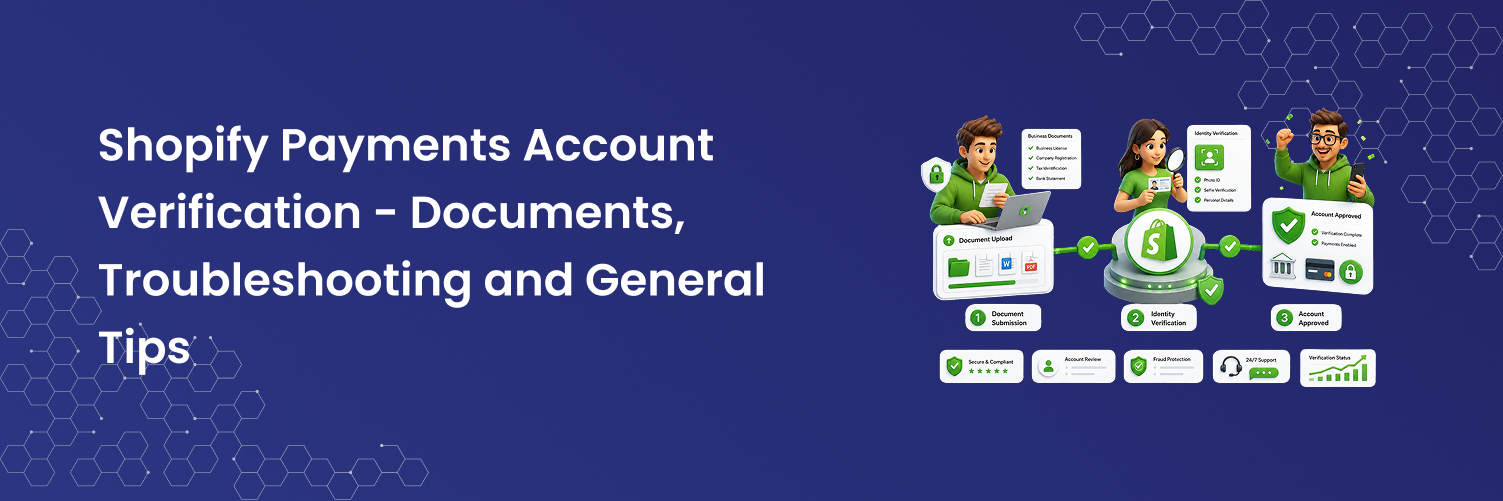
When setting up your Shopify store, it's essential to configure a payment provider to start accepting payments from your customers. To avoid paying transaction fees, you can use Shopify Payments, which is automatically enabled in your store if you're in an eligible region. In this post, we'll walk you through the steps to set up Shopify Payments and verify your business.
Shopify Payments
It's crucial that when setting up your Shopify Payments account, the information you provide in the admin section matches your government-issued ID exactly. This will help streamline the process if our Account team needs to authenticate your account later on. For example, you'll need to enter your name and date of birth exactly as they appear on the ID you upload.
Authenticating your Shopify Payments account is a routine process carried out by our team, in collaboration with our banking partners. This serves as a security measure to verify that the information you've provided is accurate and that customers can safely shop on your site.
If you're listed as the store owner but your business partner is the one listed as the bank account holder for Shopify Payments, this won't be an issue. It's common in businesses where one partner runs the storefront and the other handles the finances. As long as the bank account meets the physical requirements for your region, it's perfectly fine for one name to appear on the Shopify account and a different name on the bank account.
Note: If your bank requires the payee name to match the account holder, we may need to adjust how the payout is presented to the bank. However, this is something we can assist you with. If you have any questions or concerns during this process, feel free to reach out to Shopify Support anytime.
Verifying your ID
You may see a banner like this appear in your admin to let you know that our Accounts team are completing a standard account review:

This is nothing to be alarmed about. These reviews are common and generally don’t take much time to complete. The next best step is to click "Contact Support" on the banner to reach out to Shopify Support so they can assist you with the review. Be sure to monitor your email, as our Account team may contact you with further instructions on how to proceed. They will reach out to the email address listed as the account owner's email in your Shopify admin.
Our team may ask you for the following documents:
- A scanned copy of proof of business ownership
- A scanned copy of the government-issued photo ID of the account owner, credit card owner, or business entity owner (e.g., passport, driver's license, or national ID card) as proof of identity
- Proof of address (Note: We request the representative’s personal home address, not the business address. The document should be dated within the last three months)
This is not an exhaustive list; depending on the situation, our team may request additional business or legal documentation.
Shopify takes extra care in how we request and store sensitive information from our merchants. All requests for documents will be made through the Secure Document Upload Tool. This ensures that your information is handled securely and that Shopify remains compliant with the General Data Protection Regulation (GDPR). Please remember not to share your ID with our support team through chat or email if you're seeking an update on your account or need to submit documents to the relevant teams.
We can only accept documents submitted via the secure link that our Account team will send to you. When uploading your photo ID through this secure link, please ensure the following:
- The document is clear and readable
- Both the front and back of the ID are visible
- The ID is scanned in colour (black and white scans will not be accepted)
- The full document is included—scans with corners cut off will be rejected
If your documents do not meet these standards, they may be rejected, which could prolong the review process.
Tips for Company Accounts
If you are running an LLC (Limited Liability Company) or a Corporation, there are some additional steps you’ll need to take to ensure a smooth authentication process. Below are some common questions that our Accounts team frequently encounters.
For corporations, individuals who own 25% or more of the business should also be listed as a representative for Shopify Payments. You can also include individuals with significant control over the company, such as executive officers or senior managers (e.g., CEO, CFO, COO, President, Vice President, Treasurer, etc.).
In the case of publicly traded companies, where no single majority owner exists, the financial controller is typically selected as the representative on the account.
If you are registering as a sole proprietor, you must be based in the country you are registering for, and you’ll need to provide a proof of address document for that country.
Unregistered DE & UK partnerships may encounter issues during onboarding. If this applies to you, please contact Shopify Support for assistance.
For Shopify Payments, the account holder must meet the age of majority in their country, meaning you must be 18 years or older. If you are under 18, you can still open a store, but it must be run and managed by a parent or guardian until you reach the legal age to take over the business, as stated in point 1.2 of our Terms of Service.
We hope these tips help streamline the process so you can start processing orders for your store. If you have any questions or need assistance, feel free to contact Shopify Support at any stage.