
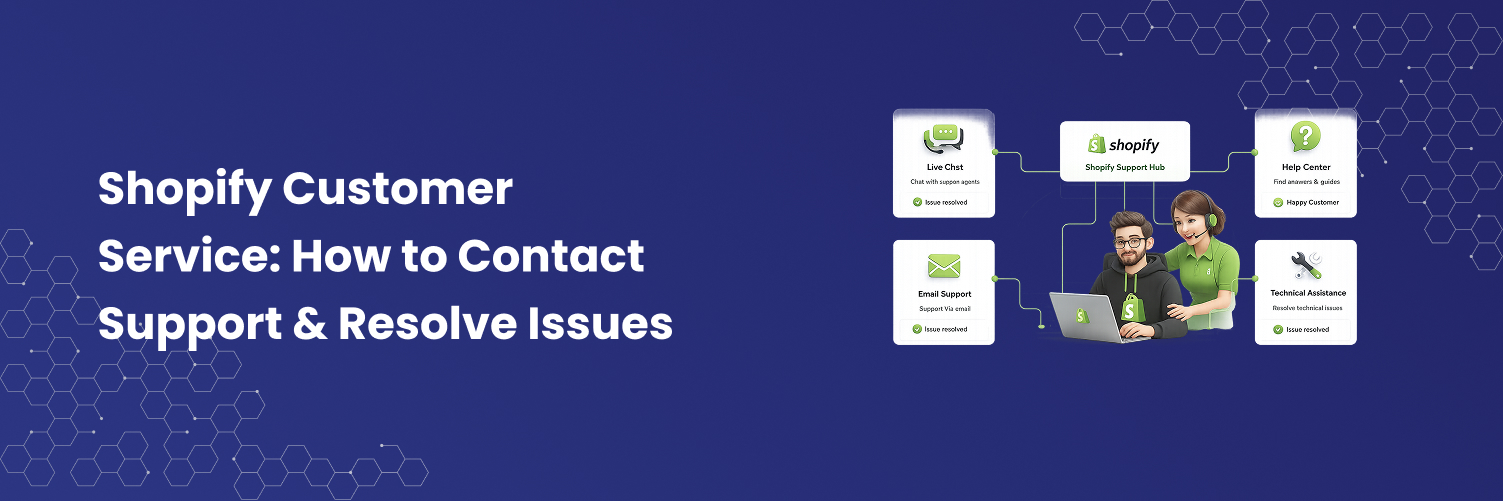
Getting in touch with Shopify customer support can sometimes be a bit of a hassle.
Shopify is like the MVP of e-commerce platforms. Countless businesses trust it to power their online stores, and it’s easy to see why. With its intuitive interface, powerful features, and a vast library of apps and themes, it’s a top choice for anyone looking to build and grow their online business.
Simply put, Shopify is a go-to platform for entrepreneurs. But hey, even the best platforms need a little troubleshooting from time to time, right?
Whether you're dealing with a technical issue, have a billing question, or just need some guidance on using specific features, Shopify’s customer service team is there to help.
Here's how you can get in touch with them.
How to Reach Shopify Customer Service
Step 1: Go to the Shopify Help Center.
Step 2: Log in to your store (they need to know who they’re helping, after all).
Step 3: Choose a topic that fits the issue you're facing. They have articles covering everything from setting up your store to managing orders, so you’ll likely find something that matches your situation.
Step 4: Read through the articles. Most of the time, you’ll find the answer right there in the guides they’re usually pretty detailed.
If you're still having trouble, don’t worry! There are a few different ways to get in touch with Shopify support:
1. Shopify Live Customer Service Chat
This one’s like magic. You can start a chat by clicking "Chat with an agent" on the Help Center page. The best part? It’s available 24/7, so no need to wait for a callback. This is your go-to option if you need quick help with things like online payments, order issues, or anything related to Shopify Apps.
To access Shopify Live Customer Service Chat:
Visit the Shopify Help Center.
Select the "Contact Support" option.
Log into your account if required.
Describe your issue and click "Continue."
You may need to interact with the automated assistant before reaching a human representative.
Once prompted, click on "Get support."
2. Shopify Support Phone Number
Shopify doesn't offer a toll-free number, but you can request a call back by selecting the "Request a call" option in the Help Center. While this option isn't available 24/7, you can leave a message, and a real person will contact you as soon as possible. It's a great way to resolve more complex issues such as store tool problems, setting up automations, or refining best practices through a phone call.
To request a call back from Shopify support:
Go to the Shopify Help Center.
Use the live chat widget on the right-hand side to open your support ticket.
If prompted, log in to your Shopify account.
Describe your issue in the chat and click "Continue."
You may need to interact with the chatbot for a bit before reaching a human representative.
When prompted, click on "Request a Call Back."
3. Shopify Support Email Contact
If you're okay with waiting a little while for a response, you can use the "Leave a message" option in the Help Center. Simply send your message, and an agent will reply as soon as possible. This option is best suited for non-urgent inquiries, like asking about new features or general requests.
4. Shopify Customer Service Community
If you prefer learning from others who've been in your shoes, consider posting your question in the Shopify Community. You'll find fellow store owners and experienced users who can offer helpful advice. It's like a goldmine of tips and insights, especially when you're dealing with common issues or exploring new tools.
Bonus Shopify Customer Service Resources
Just so you know, Shopify offers two more resources to help you out:
Shopify Discussions: Think of it as the virtual water cooler for Shopify users. It's a place to chat with other store owners, exchange ideas, and share insights. It's all about connecting and learning from one another.
Contact Shopify Support & Keep Growing Today
Bottom line: Shopify’s customer service team is ready to help you with any issues you're facing with your online store. They’re friendly, knowledgeable, and quick to assist. Plus, they keep their resources like the knowledge base, community forum, and video tutorials up to date, so you’re always getting the latest information.
In short, Shopify's got your back. Reach out through chat, phone, email, or the community if you have questions. And don't forget to take advantage of their treasure trove of resources to level up your online store. Whether you're a beginner or a seasoned e-commerce pro, Shopify has everything you need to succeed in the online retail world!
Shopify Customer Service: How to Contact Support & Resolve Issues
