

In recent years, mobile commerce has been experiencing significant growth. As a result, many merchants have decided to transform their Shopify store into a mobile app to enhance their business and boost sales.
To convert your Shopify store into a mobile app, follow these four simple steps:
- Step 1: Prepare your store for mobile transformation
- Step 2: Select a Shopify app builder
- Step 3: Customize your mobile store
- Step 4: Test and publish your Shopify mobile app
Additionally, in this article, I will explain why you should consider transforming your Shopify store into a mobile app and recommend the top 3 Shopify mobile app builders for your consideration.
Why Should You Transform Shopify Store into Mobile App?
#1. Increased Customer Engagement
An app provides a direct line of communication to your customers, allowing you to send personalized messages and notifications that keep them engaged and coming back for more. You can announce new product launches, flash sales, and exclusive deals directly to their pockets, ensuring they never miss out on an opportunity to shop. Push notifications for abandoned carts can be highly effective in recovering lost sales by reminding customers of the items they left behind and providing an easy way to complete their purchases.
By analyzing user behavior within the app, such as browsing history and purchase patterns, you can segment your audience based on their interests and preferences. This allows you to tailor messages and promotions to specific customer groups, ensuring that your communications are relevant, engaging, and more likely to convert.
#2. Improved Brand Loyalty
A mobile app acts as a dedicated space for your brand on your customers' phones, fostering a deeper connection that goes beyond a transactional relationship. Unlike a browser bookmark that can easily be lost among others, an app icon serves as a constant visual reminder of your brand, keeping you top-of-mind whenever they reach for their phones. Within the app, you can cultivate a unique brand experience that goes beyond simply browsing and purchasing. Implement loyalty programs that reward repeat customers with exclusive discounts and perks. Offer personalized recommendations based on their shopping history. Create engaging content, such as style guides or how-to videos, that provides value and keeps customers coming back for more.
#3. Enhanced User Experience
Apps offer a significantly faster, smoother, and more streamlined shopping experience compared to mobile websites. Without the limitations of a browser, such as slow loading times and clunky navigation, apps can provide a clean, intuitive interface that loads quickly and responds seamlessly to user interactions. This creates a more enjoyable and frictionless experience that encourages customers to browse longer and explore your products without frustration.
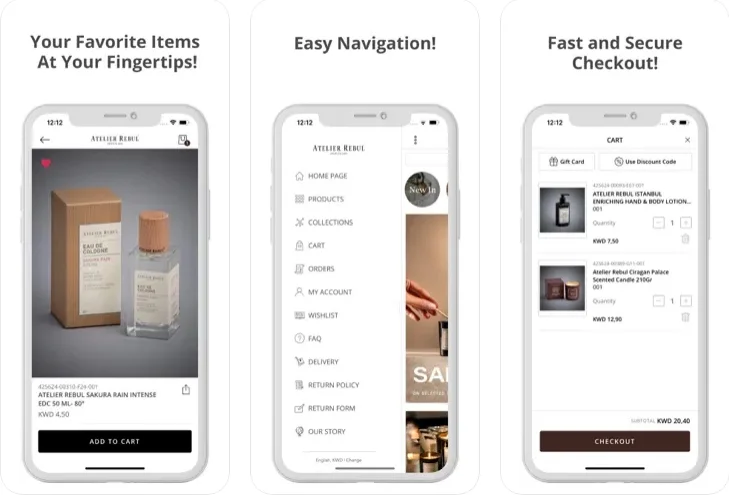
You can optimize navigation to make it easy for customers to find what they're looking for, simplify the checkout process to reduce cart abandonment, and create a user-friendly design tailored specifically for mobile devices.
#4. Offline Accessibility
Unlike websites that require a constant internet connection, apps can offer core functionalities offline, making them incredibly convenient for customers on the go or in areas with limited connectivity. This is crucial for customers in areas with unreliable internet access or for those who want to browse without relying on data or worrying about spotty connections. Customers can browse your entire product catalog, view detailed product descriptions and images, check stock availability, and even add items to their cart, all while offline. They can also view their order history, track shipments, and manage their account settings without an internet connection. The app can then sync with your Shopify store when a connection is available, ensuring a seamless experience and that all data is up-to-date.
#5. Access to Device Features
Apps can leverage a smartphone's built-in features to offer a richer and more interactive shopping experience that simply isn't possible with a mobile website. Integrating the device camera opens up a world of possibilities. Customers can use visual search to find products instantly by taking a photo of an item they like or by uploading an image from their camera roll. This is particularly useful for fashion and home decor retailers, where customers might not know the exact name of a product but have a visual reference.
GPS location data can be utilized to offer location-based deals and promotions, further personalizing the shopping experience and driving foot traffic to brick-and-mortar stores if you have them. For example, you can send notifications to customers who are within a certain radius of a physical store, informing them of exclusive in-store promotions or new arrivals. Additionally, push notifications can be tailored to remind customers about nearby store locations or upcoming sales events, ensuring they don't miss out on time-sensitive opportunities.
4 Steps to Transform Shopify Store into Mobile App
Now that you have a clear understanding of why should you transform Shopify store into mobile app, it's time to turn your vision to reality. Here are four steps to do so:
Step 1. Prepare your store for mobile transformation
A deep dive into your website analytics is where you should start, paying close attention to user behavior specifically on your mobile site. This analysis means going beyond overall website traffic and understanding how customers interact with your brand on smaller screens. Your analysis should identify your most popular product categories on mobile, analyze common browsing paths to see how users navigate your site, and pinpoint potential pain points that may be hindering the mobile shopping experience. This valuable information will guide your app design, feature prioritization, and overall user experience strategy.
Your perspective is what you need to shift next, reviewing your entire product catalog with a mobile-first lens. The appearance of each product page on a smaller screen is important to consider. The size of the images matters, ensuring they are large enough to see details without requiring excessive zooming and scrolling. Optimizing images for fast loading times on mobile connections is also crucial. Product descriptions should be concise and engaging, easy to read on mobile devices without overwhelming the user with text. The incorporation of multimedia elements can enhance the mobile browsing experience. High-quality product videos can showcase features and benefits, while 360-degree product views can allow customers to interact with your products virtually.
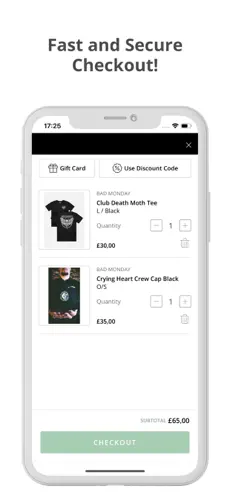
Additionally, streamlining your checkout process is absolutely essential for minimizing cart abandonment and maximizing conversions on mobile, where distractions are abundant, and patience can be thin. An evaluation of your existing checkout flow should be done to identify areas that can be simplified or optimized specifically for mobile users. Unnecessary steps, lengthy forms, or confusing navigation might cause friction and lead to drop-offs. Express checkout options, such as Apple Pay and Google Pay, are features to consider offering. These options allow customers to complete their purchases with a single tap, providing a seamless and secure payment experience.
Finally, don't underestimate the importance of maintaining brand consistency across all platforms. Your mobile app should be a natural extension of your Shopify store, reflecting your brand identity and providing a cohesive and familiar experience across all touchpoints. This consistency builds trust with your customers and reinforces your brand image.
Your app design, color scheme, font choices, logo placement, and overall aesthetic should align harmoniously with your website and other marketing materials. Consistency is key to creating a strong brand presence and providing a unified customer experience.
Step 2. Select a Shopify app builder
I must say that choosing the right app builder is the make-or-break factor when transforming your Shopify store into a mobile app. It will have a huge impact on your app's functionality, design, and overall success.
Fortunately, Shopify itself offers a wide selection of third-party app builders that can convert your eCommerce website into a dedicated app. This gives you the flexibility to choose the one that best suits your business needs.
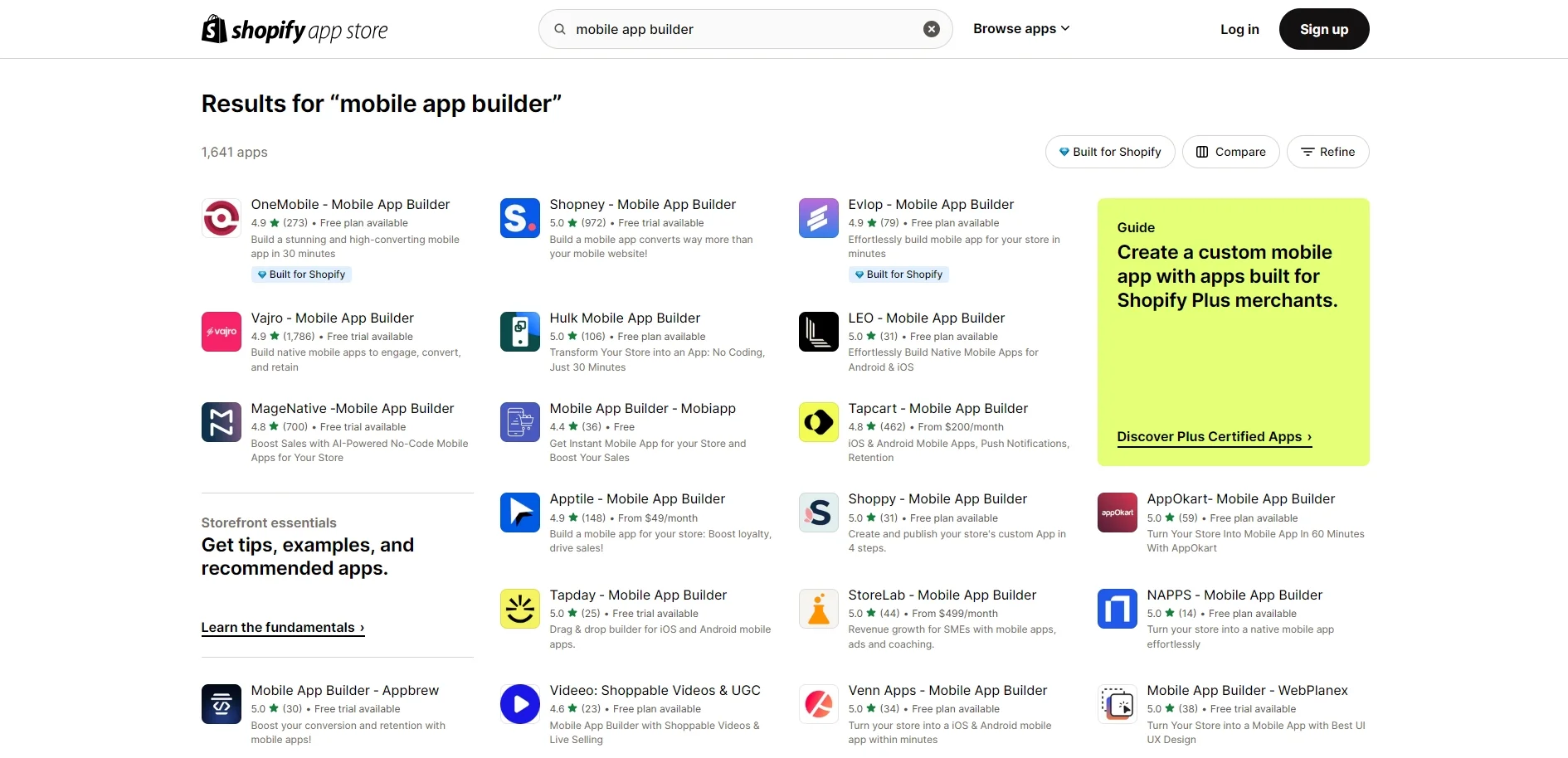
From my experience, here are the criteria you need to consider when selecting the extension to transform Shopify store into mobile app.
- Ease of Use: Not everyone is a coding expert, and that's perfectly fine! Look for an app builder that features an intuitive drag-and-drop interface, making it easy to design and customize your app without technical know-how. A platform that’s user-friendly will save you time and reduce frustration, allowing you to focus on building an app that accurately represents your brand.
- Customization Options: Your app should fully reflect your brand’s identity, showcasing your unique style and offerings. Choose a builder that provides a variety of customization features, such as selecting templates, color schemes, uploading your logos, fonts, and product images. The more personalization options available, the better you can create a seamless, branded experience for your customers.
- Integrations and Features: A smooth shopping experience depends on the easy integration with your current Shopify store and any other essential business tools. Make sure the app builder you choose integrates effortlessly with Shopify, as well as third-party apps like payment gateways, marketing automation, and analytics tools. Additionally, look for features that can enhance customer engagement, such as push notifications, loyalty programs, social media connections, and in-app messaging.
- Pricing and Plans: App builders come with different pricing models, so it's important to select one that fits both your budget and business needs. Take into account factors like the number of products you offer, transaction fees, and any advanced features you might require, such as push notifications or advanced analytics. It's also wise to choose a plan that allows for scalability, ensuring your app can grow as your business expands.
- Customer Support: Running into challenges during app development is unavoidable, so it's crucial to choose a builder that provides reliable, responsive customer support. Look for platforms that offer options like live chat, email support, or even phone consultations, so you can get the help you need quickly and effectively.
Step 3. Customize your mobile store
The chance to craft a truly unique and captivating shopping experience for your customers is one of the most exciting aspects of transforming your Shopify store into a mobile app. Customization options go beyond just mirroring your website’s design; they enable you to harness the unique features of mobile devices to elevate your brand and foster customer loyalty.
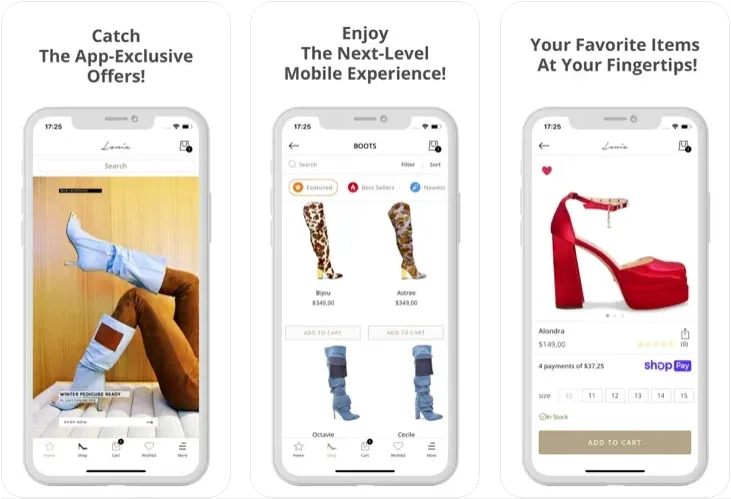
A visually appealing and user-friendly interface is crucial for capturing the attention of mobile users. Your app's design should reflect your brand's identity while also optimizing the experience for smaller screens. Key elements like high-quality product images, legible typography, and intuitive navigation are essential for creating a seamless browsing experience that encourages users to explore and discover your products.
Mobile apps offer unique features that can take your e-commerce experience beyond the capabilities of a traditional website. Consider integrating functionalities like push notifications for personalized promotions, location-based offers to increase in-store visits, and loyalty programs with exclusive app-only rewards. These features can significantly boost customer engagement and encourage repeat purchases.
To increase conversions and reduce cart abandonment, focus on optimizing the checkout experience when transforming your Shopify store into a mobile app. Streamlining the checkout flow with mobile-friendly forms, guest checkout options, and multiple payment gateway integrations can greatly enhance the user experience and minimize friction during the purchasing process.
Step 4: Test and Publish Your Shopify Mobile App
Thorough testing is a must before launching your Shopify mobile app. This crucial step ensures that the app is free from bugs, glitches, and usability issues that could negatively impact the user experience. A comprehensive testing approach, covering both functionality and user experience, is key to identifying and fixing potential problems.
Once your app is functioning smoothly, the final step is to publish it. Don’t forget to list your app on major platforms like the Apple App Store and Google Play Store. Ensure that your app meets the guidelines and listing requirements for each platform, as well as the content policies, to guarantee a successful launch.
Top 3 Best Builders to Transform Shopify Store Into Mobile App
#1 Shopney
Shopney is a top mobile app builder designed to empower Shopify merchants to create native mobile apps without any coding skills. With a focus on ease of use, the platform offers a simplified app creation process and an array of features aimed at boosting customer engagement and increasing sales. Shopney integrates effortlessly with your existing Shopify store, ensuring a seamless transition and a consistent brand experience across all platforms.
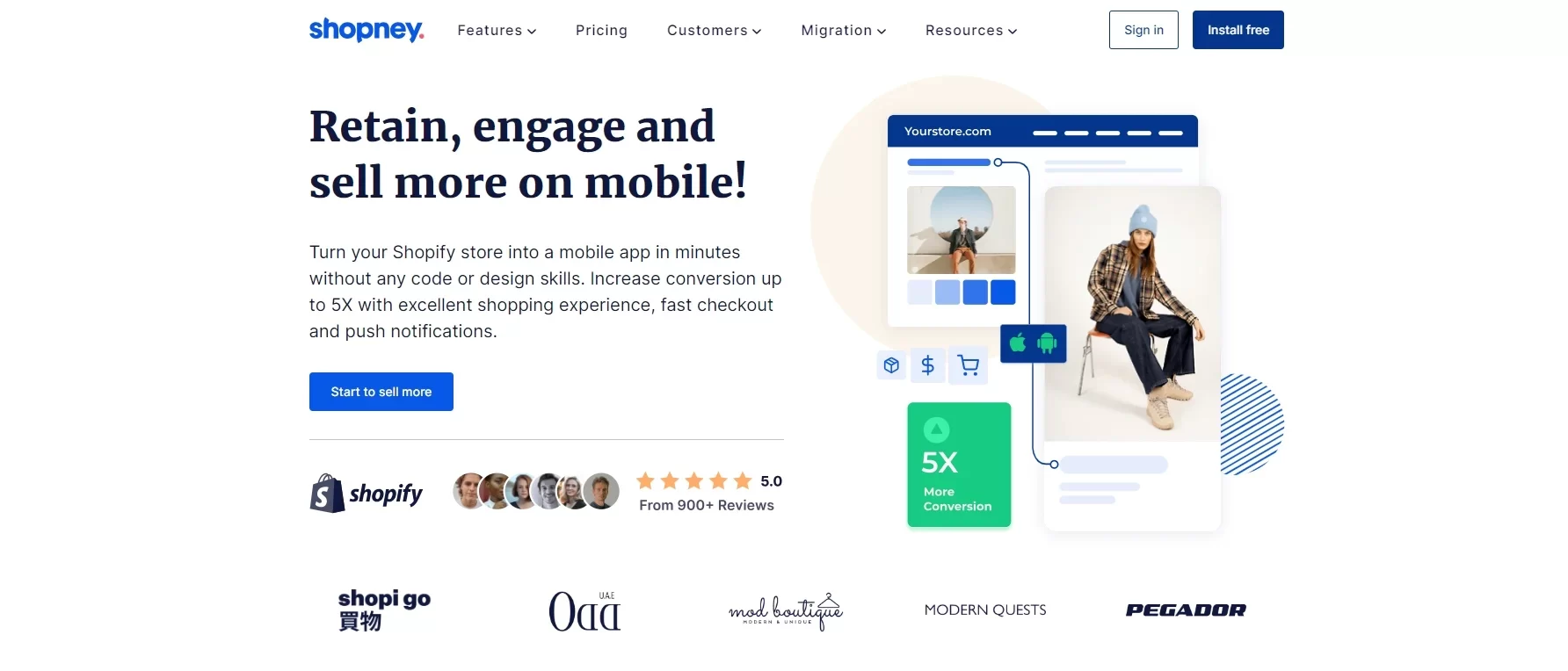
Shopney highlight features:
- Drag-and-Drop App Builder: Create and personalize your app effortlessly using a user-friendly visual editor, where you can easily add and rearrange elements to suit your needs.
- Push Notification Scheduling: Plan and send targeted push notifications to specific customer segments, promoting new products, announcing flash sales, and driving sales through personalized messages.
- Seamless Shopify Integration: Automatically sync your Shopify store’s products, collections, customer data, and inventory in real time, ensuring accuracy and consistency across all platforms.
- Native Mobile Experience: Offer a fast, responsive, and seamless shopping experience with native iOS and Android apps, optimized for high performance and user engagement.
- Conversion-Focused Features: Utilize powerful tools like abandoned cart recovery, personalized discount codes, wishlists, and product reviews to improve conversions and increase customer lifetime value.
#2 Vajro
Vajro is an all-in-one mobile app platform that enables Shopify merchants to design, launch, and scale high-performance native mobile apps. Beyond being just an app builder, Vajro offers a complete suite of marketing tools, analytics dashboards, and customer support features, all aimed at helping you enhance your mobile app's performance and drive business growth.
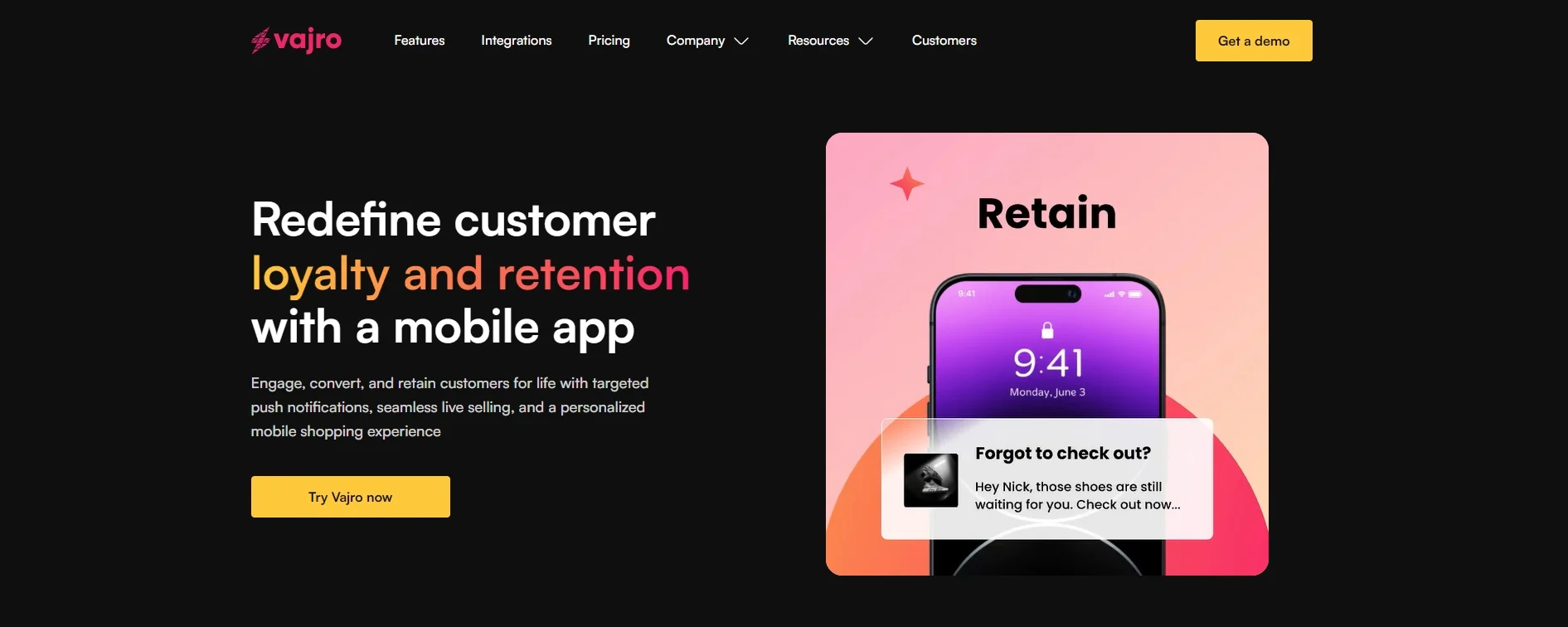
Vajro highlight features:
- Advanced Personalization: Segment your audience and send highly targeted push notifications, in-app messages, and personalized product recommendations based on individual user behavior and preferences.
- Omnichannel Marketing Automation: Set up automated workflows to engage customers across various channels, including email, SMS, push notifications, and in-app messages, ensuring consistent communication.
- Seamless Shopify Integration: Enjoy smooth synchronization of products, collections, customer data, orders, and inventory between your Shopify store and mobile app, ensuring consistency across platforms.
- In-App Live Chat: Offer real-time customer support through a built-in live chat feature, helping resolve queries quickly and enhancing customer satisfaction while reducing cart abandonment.
- Comprehensive Analytics: Access detailed analytics dashboards and reporting tools to gain insights into user behavior, app performance, and the effectiveness of your marketing campaigns.
#3 MageNative
MageNative is a widely-used mobile app solution for Shopify merchants seeking flexibility and a broad range of customization options. It provides both pre-designed app templates and the option to build fully customized native apps for iOS and Android platforms. MageNative serves businesses of all sizes, offering scalable solutions and dedicated support throughout the app development process.
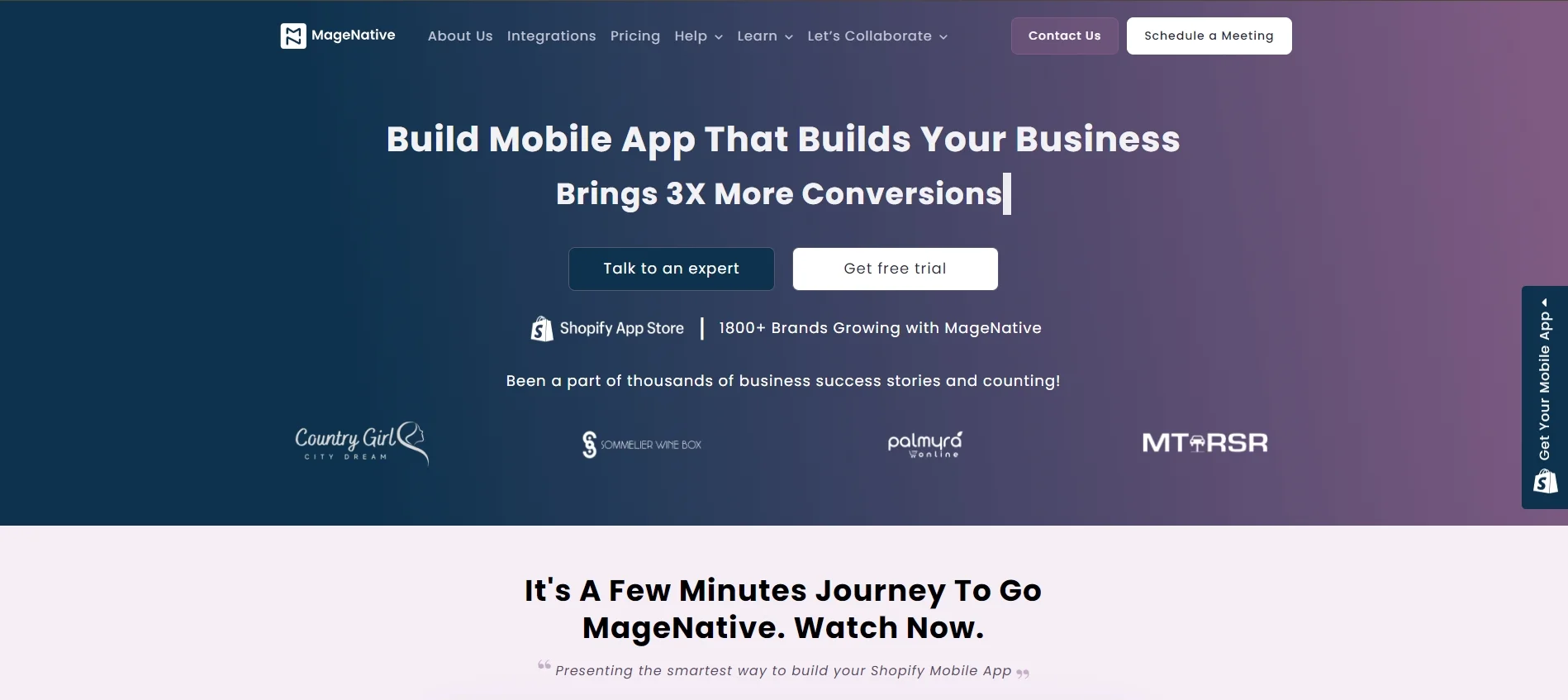
MageNative highlight features:
- Native App Builder: Select from pre-built templates or create a custom app from scratch with an intuitive drag-and-drop builder, making app creation easy and flexible.
- Multi-Language & Currency Support: Reach a global audience by offering multiple languages and currencies, catering to diverse customer bases across different regions.
- Real-Time Synchronization: Effortlessly sync products, collections, customer data, and orders between your Shopify store and mobile app, ensuring accurate, up-to-date information across platforms.
- Marketing & Promotion Tools: Boost user engagement and drive sales with powerful features like push notifications, in-app banners, coupon codes, and social sharing options.
- Dedicated Support Team: Get expert assistance and technical support from MageNative's dedicated team throughout the entire app development and launch process.
Key Takeaway
In summary, converting your Shopify store into a mobile app is a smart strategy that can greatly enhance your customer experience, foster brand loyalty, and boost your bottom line. Although the process demands thoughtful planning, the right tools, and a focus on continuous optimization, the benefits are clear and impactful.
I hope this article has provided you with a comprehensive guide on how to transform your Shopify store into a mobile app. If you found this topic helpful, don't forget to explore more related articles about Shopify on our website.